

 Q2
Q2
 QIDI Box
 Plus 4
 Q1 Pro
 X-Max 3


QIDI Studio and Orca Slicer: Optimizing Your 3D Printing Experience

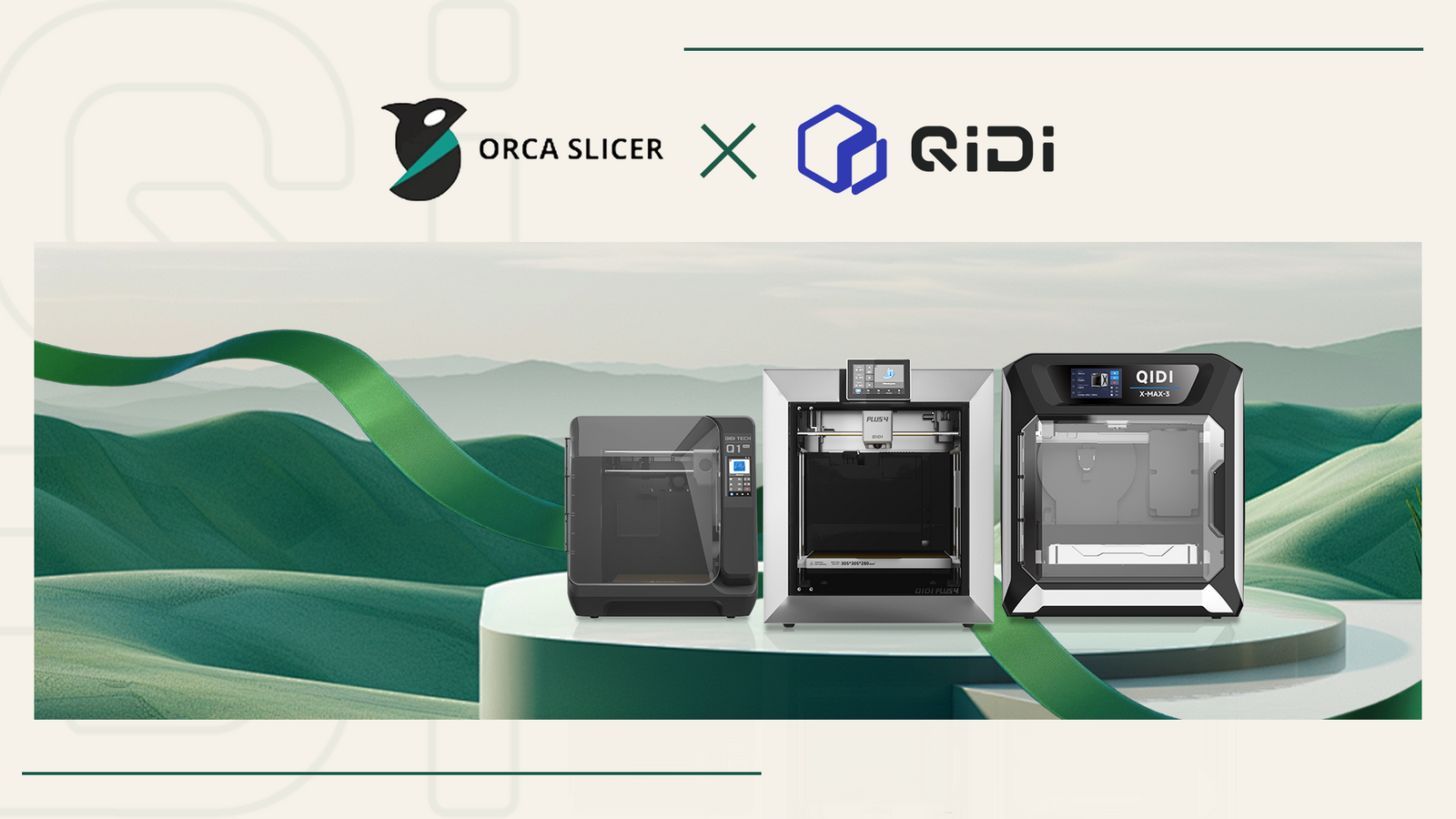
QIDI Studio and Orca Slicer are two different slicers that share the same ancestor. QIDI Studio is QIDI's own slicer, forked from Bambu Studio, and it is the software QIDI ships and supports. Orca Slicer is an independent community slicer that also descends from Bambu Studio and includes QIDI printer profiles. Both slice for QIDI printers, and both read and write 3MF and G-code, so you can use either or move between them.
QIDI Studio and Orca Slicer, defined
QIDI Studio is a slicing application developed by QIDI Technology for QIDI 3D printers. It is open source under the GNU Affero General Public License version 3 and is based on Bambu Studio by Bambu Lab. It handles slicing, printer connection over LAN or the internet, calibration routines, multi-colour assignment, and QIDI BOX filament management in one application.
Orca Slicer is a community-maintained open-source G-code generator that supports printers from many brands, including Bambu Lab, Prusa, Voron, VzBot, RatRig, Creality and QIDI. It is also licensed under AGPL v3, and it draws from Bambu Studio, PrusaSlicer, SuperSlicer and ideas inspired by Cura. QIDI is an early sponsor of the project and ships configuration files for its printers into the Orca Slicer repository.
The short version: they are cousins, not parent and child. QIDI Studio did not fork from Orca Slicer, and Orca Slicer is not a rebadged QIDI Studio. They both forked from Bambu Studio, in parallel, and have diverged since.
The slicer family tree: Slic3r to PrusaSlicer to Bambu Studio to Orca Slicer and QIDI Studio
Almost every modern FDM slicer that is not Cura traces back to one project: Slic3r, created by Alessandro Ranellucci with the RepRap community. Each generation forked the previous one, kept the AGPL v3 licence, and added its own hardware integration. Here is the lineage as the projects themselves document it in their own README files.
| Generation | Project | Forked from | Maintained by | Licence |
|---|---|---|---|---|
| 1 | Slic3r | Original project | Alessandro Ranellucci + RepRap community | AGPL v3 |
| 2 | PrusaSlicer | Slic3r | Prusa Research | AGPL v3 |
| 3 | Bambu Studio | PrusaSlicer | Bambu Lab | AGPL v3 |
| 4 | Orca Slicer | Bambu Studio (plus PrusaSlicer and SuperSlicer code) | Open-source community | AGPL v3 |
| 4 | QIDI Studio | Bambu Studio | QIDI Technology | AGPL v3 |
| 3 | QIDI Slicer | PrusaSlicer | QIDI Technology | AGPL v3 |
Two details in that table surprise most people. First, Orca Slicer and QIDI Studio sit on the same row — they are siblings at generation four, not one derived from the other. Second, QIDI ships two different slicers with two different ancestors: QIDI Studio from Bambu Studio, and QIDI Slicer from PrusaSlicer. That is not duplication for its own sake; it is covered further down.
The AGPL v3 licence is what makes the chain possible. It requires that anyone who builds on the code releases their version under the same licence. Every project in the table above honours that, which is why you can read the source of the slicer that drives your printer. If you want the background on why that matters for hardware you own, this primer on what open-source software actually means is a good starting point.
What is the difference between QIDI Studio and Orca Slicer in practice?
The practical difference is scope. QIDI Studio is tuned to one hardware ecosystem and ships the features that ecosystem needs; Orca Slicer covers dozens of printer brands and moves at community pace. Neither is strictly better — they optimise for different things.
| Capability | QIDI Studio | Orca Slicer |
|---|---|---|
| Printer brands supported | QIDI only | Bambu Lab, Prusa, Voron, Creality, QIDI and many more |
| QIDI printer profiles | Shipped and updated by QIDI | Contributed by QIDI to the Orca repository |
| QIDI BOX multi-colour management | Yes, including box sync and drying temperature | Not integrated |
| Resonance avoidance for outer walls | Yes | Not present as a QIDI-specific feature |
| Multi-device send (one file to many printers) | Yes | No |
| STEP file import with assembly view | Yes, via OpenCASCADE | Depends on build |
| Cross-brand experimentation | No | Yes |
| File formats in and out | 3MF, STL, STEP, G-code | 3MF, STL, G-code |
| Licence | AGPL v3 | AGPL v3 |
What QIDI Studio adds that Orca Slicer does not have
QIDI Studio was developed to unlock the full potential of QIDI printers through features that address specific hardware behaviour. Three of them have no equivalent in Orca Slicer.
Resonance avoidance technology
Resonance avoidance is a speed setting that automatically shifts outer-wall speed away from the frequency band where the machine vibrates. High-speed printing can introduce surface artefacts such as rippling, also called vertical fine artefacts or VFA, caused by mechanical resonance. Enabling the option in the Speed settings lets the slicer adjust outer-wall speeds so the toolhead spends less time in the resonant range, which reduces vibration-related imperfections without you having to hand-tune a speed value.

Multi-device workflow optimisation
Multi-device printing lets you connect several QIDI printers to one copy of QIDI Studio and send the same sliced file to all of them with a single click. Managing batch production across multiple machines otherwise means exporting a file and walking it to each printer individually. With multi-device mode you connect and control multiple QIDI printers simultaneously and dispatch one job to the whole group.
How to use multi-device printing:
- Navigate to the Device interface to manage printer connections.
- Enable multi-device mode in Preferences.
- After slicing, select Send to Multi-Device — the arrow next to "Print Plate".


QIDI BOX integration
QIDI Studio is the only slicer that talks to the QIDI BOX multi-material unit. It reads which filament sits in which slot, maps project filaments to box slots by type and colour, calculates flushing volumes when colours change, and can set the box drying temperature for the print. Orca Slicer will happily slice a multi-colour model for a QIDI printer, but it has no channel to the box hardware. If multi-colour is your reason for buying, that alone settles the question — the full workflow is covered in our QIDI BOX multi-colour setup tutorial.
STEP import with assembly view
QIDI Studio imports STEP files directly, without an STL export step. STEP is the standard exchange format that virtually every CAD package can write, and it carries assemblies without the accuracy loss of a mesh conversion. QIDI Studio's STEP support is built on OpenCASCADE, and when you import a STEP assembly the slicer automatically builds an Assembly View that remembers the relative position of each part — useful when you split an oversized model to fit the build plate but still want to see and colour it as a whole.
What Orca Slicer gives you that QIDI Studio does not
Orca Slicer's advantage is breadth and pace. Because it is community-driven and not tied to one manufacturer, it accumulates features and printer support faster than any single vendor's fork.
- One slicer for a mixed workshop. If your bench has a QIDI machine next to a Voron or a Prusa, Orca lets you keep one interface and one set of habits instead of three.
- Community calibration and tuning tools. Orca has built a reputation on its calibration suite and on absorbing good ideas from PrusaSlicer, SuperSlicer and Cura.
- Fast iteration. Releases come from an active contributor base rather than a hardware release schedule.
- Full transparency. The Orca Slicer repository is public, including the printer profile tree.
QIDI's contribution to that project is concrete rather than symbolic. The Orca Slicer repository carries a dedicated resources/profiles/Qidi directory containing machine, filament and process definitions for the QIDI line — Q2, Q2C, X-Plus 4 (sold as Plus 4), X-Max 4 (sold as Max4), Q1 Pro, X-Max 3, X-Plus 3, X-Smart 3, and older X-series machines — with separate presets for 0.2, 0.4, 0.6 and 0.8 mm nozzles.
Which QIDI printers use which slicer?
Every QIDI printer currently sold is supported by QIDI Studio. The other slicers exist to cover older hardware and different workflows. The table below reflects what QIDI lists on its software and firmware page.
| Slicer | Based on | Printers it covers | Use it when |
|---|---|---|---|
| QIDI Studio | Bambu Studio | Max4, Q2, Q2C, Plus 4, Q1 Pro, X-Max 3, X-Plus 3, X-Smart 3 | Default choice for any current QIDI machine |
| QIDI Slicer | PrusaSlicer | Q1 Pro, X-Max 3, X-Plus 3, X-Smart 3 (firmware V4.0.0 or above) | You prefer the PrusaSlicer interface on a Klipper-era QIDI machine |
| QIDI Print | Cura | Legacy models: I-Fast, X-CF Pro, X-Max, X-Plus, I-Mates, X-Smart, X-Pro, X-One | You own a pre-Klipper QIDI printer — it is not compatible with the newer high-speed machines |
| Orca Slicer | Bambu Studio, PrusaSlicer, SuperSlicer | QIDI profiles in-tree, plus dozens of other brands | You run mixed hardware or want community tuning tools |
If you are choosing between the QIDI printers themselves rather than the software, the current lineup runs from the Q2C and Q2 at 270 × 270 × 256 mm, through the Plus 4 at 305 × 305 × 280 mm, to the Max4 at 390 × 390 × 340 mm. All four run Klipper and all four are handled by the same QIDI Studio build.
Why does QIDI maintain two slicers?
QIDI Studio and QIDI Slicer exist because they inherit different interfaces from different parents. QIDI Slicer is based on PrusaSlicer and presents the familiar Plater / Print Settings / Filament Settings / Printer Settings tab layout, with a simple, advanced and expert mode filter that hides or reveals parameters. QIDI Studio inherits Bambu Studio's single-window layout with the device page, colour painting tools and box management built in.
Users who came from a Prusa machine, or who simply prefer the older parameter-tab workflow, tend to stay on QIDI Slicer. Users who need multi-colour, multi-device or STEP import need QIDI Studio. Both produce valid G-code for the machines they list. If the terminology in either interface is unfamiliar, our guide to essential slicer software terms covers the vocabulary first.
Can you move files and settings between QIDI Studio and Orca Slicer?
Yes — both slicers read and write 3MF project files, STL meshes and G-code, so models and sliced jobs move between them freely. The 3MF container is the important one: unlike STL, which stores only triangle geometry, 3MF carries project data such as colour assignments, per-object settings and modifiers. That is why a multi-colour project survives the trip and a multi-colour STL does not. If file formats are a recurring source of confusion, we break them down in 3D printing file formats explained.
Moving models and sliced jobs
- Model with colours and settings: save as 3MF from one slicer, open in the other.
- Geometry only: STL works, but expect to reassign colours, modifiers and per-object overrides.
- Finished job: export G-code and send it to the printer — the printer does not care which slicer produced it, as long as the machine profile matched.
Updating QIDI profiles inside Orca Slicer
Orca Slicer's bundled QIDI configuration only refreshes when the project publishes a release. If QIDI has shipped a newer profile than your installed Orca build carries, you can update it by hand. QIDI documents the manual download and synchronisation procedure on its wiki. The outline:
- Close Orca Slicer completely. A running instance holds the configuration files open and the replacement will fail or corrupt them.
- Back up your existing configuration folder before touching anything. Use Help → Open Configuration Folder to find it.
-
Pull the current QIDI profiles from
resources/profiles/Qidiin the Orca Slicer repository. Configurations come in three types: machine (printer model, build volume, nozzle), filament (temperatures, flow, cooling) and process (layer height, wall count, infill). - Replace only the system profiles. Inside the configuration folder, the system directory holds shipped defaults and the user directory holds your customisations — both JSON. Overwriting user is how people lose their tuned presets.
Nothing equivalent is needed in QIDI Studio: it ships and updates QIDI profiles itself.
Which one should you actually use?
Use QIDI Studio if you own only QIDI printers, and add Orca Slicer if you also run other hardware. That is the honest answer for most people, and it costs nothing to keep both installed — they can coexist and exchange 3MF files.
- Multi-colour with a QIDI BOX? QIDI Studio. There is no alternative.
- Batch printing across several QIDI machines? QIDI Studio, for multi-device send.
- Importing CAD assemblies from STEP? QIDI Studio.
- Mixed-brand workshop, one interface? Orca Slicer.
- Chasing the newest community calibration tooling? Orca Slicer.
- Coming from a Prusa background and only printing single-colour? QIDI Slicer is a comfortable landing spot.
QIDI Studio is not a replacement for open-source tools. It is a purpose-built extension of the hardware ecosystem, combining the adaptability of an open-source codebase with QIDI-specific work: hardware-tuned features such as resonance avoidance, industrial-scale conveniences such as multi-device management, and full 3MF and G-code compatibility so a hybrid workflow stays possible. If you have suggestions or want a feature added, send them through — the software keeps getting extended based on what users ask for.
Still deciding at a more basic level? Start with how to choose 3D slicer software for FDM printing, or compare the wider field in our overview of popular 3D printing slicing software. And if you still need to make the model before you slice it, we maintain a shortlist of free 3D modelling software.
Frequently asked questions
Is QIDI Studio a fork of Orca Slicer?
No. QIDI Studio is forked from Bambu Studio, and Orca Slicer is separately forked from Bambu Studio. They are siblings on the same family tree, both descended from Bambu Studio, which came from PrusaSlicer, which came from Slic3r. Neither one is derived from the other.
Is QIDI Studio open source?
Yes. QIDI Studio is published on GitHub under the GNU Affero General Public License version 3 — the same licence carried by Slic3r, PrusaSlicer, Bambu Studio and Orca Slicer. AGPL v3 requires that anyone reusing the code releases their version under the same terms, which is what has kept the whole chain of forks open.
Does Orca Slicer work with QIDI printers?
Yes. Orca Slicer ships QIDI printer profiles in its repository, contributed by QIDI, covering Q2, Q2C, X-Plus 4 (Plus 4), X-Max 4 (Max4), Q1 Pro, X-Max 3, X-Plus 3, X-Smart 3 and older X-series machines, each with 0.2, 0.4, 0.6 and 0.8 mm nozzle variants. You can slice in Orca and send the job to the printer. What Orca cannot do is drive QIDI BOX multi-colour hardware.
Can QIDI Studio open Orca Slicer project files?
Yes. Both slicers use the 3MF project format, so a project saved in one opens in the other. Colour assignments and per-object settings travel inside the 3MF; they do not survive an STL export, because STL stores geometry only.
What is the difference between QIDI Studio and QIDI Slicer?
QIDI Studio is based on Bambu Studio and covers the full current lineup including Max4, Q2, Q2C and Plus 4, with multi-colour, multi-device and STEP import. QIDI Slicer is based on PrusaSlicer, uses the PrusaSlicer tab layout with simple, advanced and expert modes, and covers Q1 Pro, X-Max 3, X-Plus 3 and X-Smart 3 on firmware V4.0.0 or above. Different interfaces, different ancestors, both from QIDI.
Do I need to pay for QIDI Studio or Orca Slicer?
Neither costs anything. Both are free, open-source software under AGPL v3. QIDI Studio downloads are on the QIDI software and firmware page and on GitHub; Orca Slicer builds are published on the project's official site and GitHub releases page.
Which slicer should a complete beginner install first?
QIDI Studio, if you bought a QIDI printer. The profiles for your exact machine and nozzle are already there, the printer connects by IP over your LAN, and the calibration routines are built in. Once you are comfortable, installing Orca Slicer alongside it costs nothing and gives you a second opinion on any slicing problem.
Get started
Whether you prefer the open-source breadth of Orca Slicer or the hardware-specific tuning of QIDI Studio, both tools are built to make QIDI printers easier to live with — and because both speak 3MF and G-code, choosing one does not lock out the other.
- QIDI Studio and QIDI Slicer downloads: qidi3d.com/pages/software-firmware
- QIDI Studio documentation: QIDI Studio wiki
- Orca Slicer source and releases: github.com/OrcaSlicer/OrcaSlicer
- Upstream projects: Bambu Studio and PrusaSlicer
- QIDI Studio and Orca Slicer, defined
- The slicer family tree: Slic3r to PrusaSlicer to Bambu Studio to Orca Slicer and QIDI Studio
- What is the difference between QIDI Studio and Orca Slicer in practice?
- What QIDI Studio adds that Orca Slicer does not have
- Resonance avoidance technology
- Multi-device workflow optimisation
- QIDI BOX integration
- STEP import with assembly view
- What Orca Slicer gives you that QIDI Studio does not
- Which QIDI printers use which slicer?
- Why does QIDI maintain two slicers?
- Can you move files and settings between QIDI Studio and Orca Slicer?
- Moving models and sliced jobs
- Updating QIDI profiles inside Orca Slicer
- Which one should you actually use?
- Frequently asked questions
- Is QIDI Studio a fork of Orca Slicer?
- Is QIDI Studio open source?
- Does Orca Slicer work with QIDI printers?
- Can QIDI Studio open Orca Slicer project files?
- What is the difference between QIDI Studio and QIDI Slicer?
- Do I need to pay for QIDI Studio or Orca Slicer?
- Which slicer should a complete beginner install first?
- Get started
Recommended products






