

 Q2
Q2
 QIDI Box
 Plus 4
 Q1 Pro
 X-Max 3


What 3D Printer Can Make Shoes?

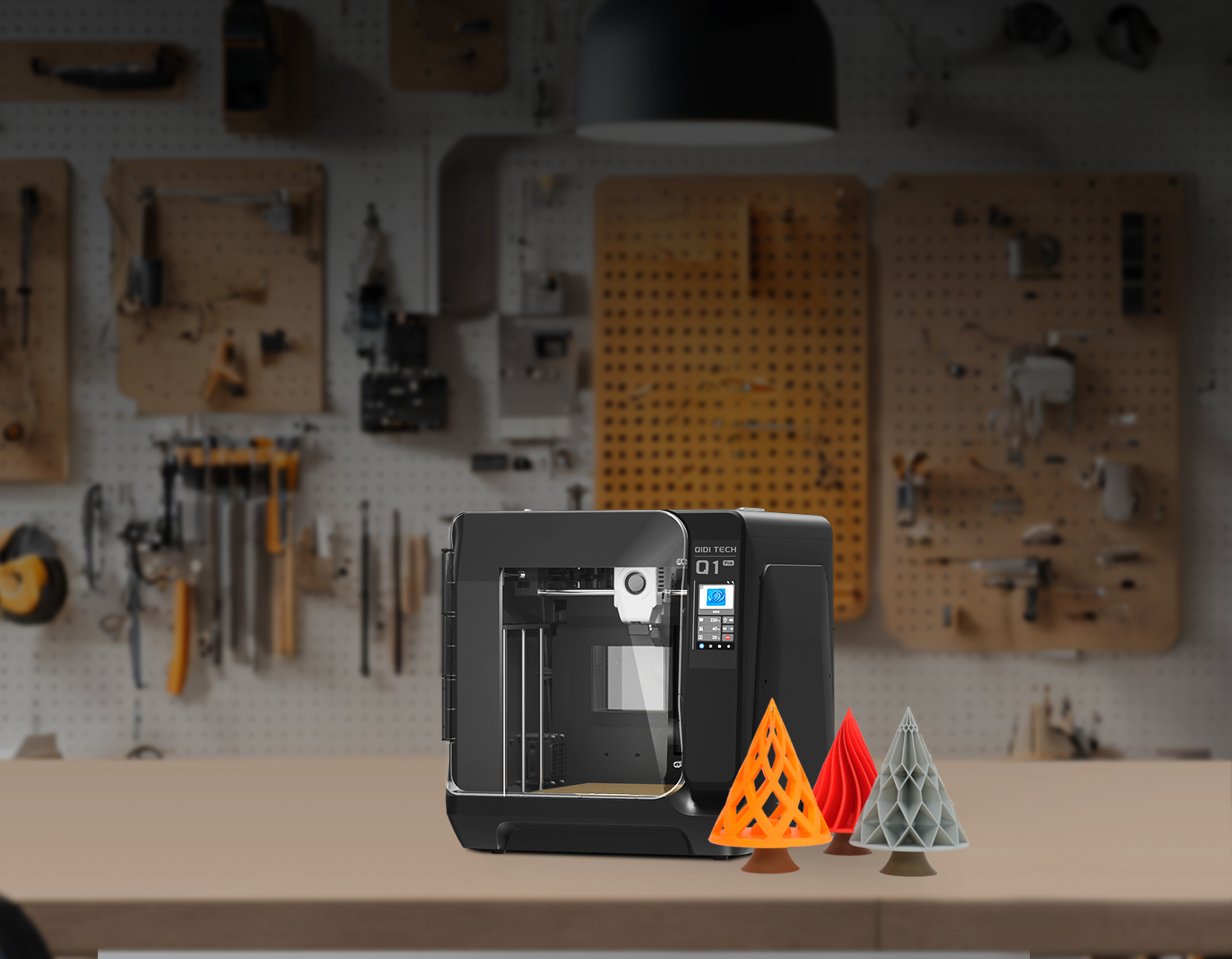
Yes — you can make shoes with a 3D printer, and an ordinary desktop FDM machine is enough for most of it. What it needs is a direct-drive extruder, a constrained filament path, an all-metal hotend and a build plate that fits a 280–310 mm sole. The material does the real work: flexible TPU or TPE, not PLA. Rigid plastic makes a display piece, not footwear.
This guide covers which printer technologies actually suit footwear, the specific FDM features that decide whether flexible filament prints cleanly or jams, the build volume you need for a given shoe size, and the slicer settings that make TPU behave.
Can Any 3D Printer Make Shoes? The Short Version
| Technology | Flexible material available | Typical machine cost | Practical for a home shoe? |
|---|---|---|---|
| FDM / FFF | TPU, TPE, TPU-GF | $300–$1,500 | Yes — the realistic route |
| SLA / resin | Flexible photopolymer resins | $250–$2,000 | Partly — small components only |
| SLS | TPU and nylon powders | $20,000+ | No — industrial service bureaus |
| MJF and other powder bed fusion | TPU powders | $100,000+ | No — production scale only |
Every commercially available 3D printed shoe is made on one of the bottom two rows. Everything you can realistically do at home is the top row. The middle row is where people waste money — flexible resins exist, but they are expensive, less durable in repeated flexing than TPU, and uncured resin needs careful handling.
TPU/TPE: Why 3D Printed Shoes Need Them & Their Printing Challenges

If you want to 3D print shoes that are actually comfortable and practical to wear, the first major challenge is working with flexible materials. Without flexibility, a shoe can't move with your foot or absorb impact, making it a rigid display piece rather than usable footwear.
Thermoplastic polyurethane (TPU) is a rubber-like thermoplastic that can be melted and extruded like ordinary filament while staying elastic once cooled. TPE is the broader family it belongs to. Both offer the elasticity and abrasion resistance footwear needs.
Flexibility is also exactly what makes them awkward to print. A soft filament behaves like a length of spaghetti being pushed down a tube: any unsupported gap between the drive gear and the melt zone lets it buckle sideways instead of advancing. That is the root cause of the three classic TPU failures — the filament bunching and jamming above the extruder, stringing between features, and weak layer bonding.
Shore hardness: pick the right softness
| Shore hardness | Feel | Best shoe part | Print difficulty |
|---|---|---|---|
| 95A | Firm, like a shoe sole | Outsole, midsole lattice, heel counter | Easiest flexible to print |
| 85–90A | Noticeably springy | Uppers, straps, flex zones | Moderate — slow down |
| <85A | Very soft, gummy | Insole padding, comfort inserts | Hard — needs a very short filament path |
For a first shoe, 95A is the right answer. It is stiff enough to feed reliably and still flexes at the forefoot. TPU-Aero and the high-flow TPU 95A both sit in this range, and the wider high-performance filament range covers the reinforced variants.
Types of 3D Printers and Their Suitability for Shoes

FDM / FFF
This technology builds objects by extruding melted plastic filament layer by layer. It is the most widespread and the only practical choice for individuals and small studios.
Advantages: a wide choice of flexible filaments, low machine cost, and a large community that has already solved most TPU problems. FDM 3D printers are also the only category where a machine large enough for a full-size sole costs less than a laptop.
Disadvantages: flexible filaments demand specific hardware features, covered below. Layer lines stay visible, which reads as texture on a sole and as a defect on an upper.
SLA / Resin Printers
SLA printers cure liquid photopolymer layer by layer with a UV light source, producing very fine detail.
Advantages: excellent surface finish and intricate lattice detail. Flexible resins do exist, which makes small shoe components possible.
Disadvantages: flexible resins are less common and more expensive than TPU filament, and generally offer lower durability under the repeated flexing a shoe sees every step. Uncured resin requires gloves, ventilation and thorough post-curing. Most consumer SLA machines also have smaller build volumes than FDM ones, forcing multi-part designs.
SLS
Selective laser sintering fuses powdered nylon or TPU with a laser.
Advantages: strong, durable, geometrically complex parts. Because the surrounding unsintered powder supports the part, no support structures are needed — which is exactly why the lattice midsoles you see in commercial 3D printed footwear are made this way.
Disadvantages: machine and material costs put it far out of hobbyist reach. If you want an SLS sole, you order it from a service bureau rather than buying the machine.
MJF and Other Powder Bed Fusion Technologies
Multi Jet Fusion is a powder bed process that jets a fusing agent and applies infrared energy across a whole layer at once rather than tracing it with a laser, which makes it faster per part at volume. HP publishes the process details on its Multi Jet Fusion technology page. These are the industrial systems large footwear brands use for prototypes and short production runs, at the same cost tier as SLS.
FDM Printer Features That Decide Whether TPU Works
Among these technologies, FDM is the accessible one. Its success with flexible filament hinges on specific hardware features.
- Direct Drive Extruder: the drive gear sits directly above the melt zone, so soft filament like TPU has almost no unsupported length to buckle in. This is the single non-negotiable feature. Every current QIDI machine uses direct drive.
- Constrained Filament Path: a fully enclosed channel from drive gear to nozzle prevents flexible filament kinking out sideways under pressure.
- All-Metal Hotend: handles higher temperatures without a PTFE liner degrading, and gives a cleaner, more consistent melt.
- Sufficient Build Volume: see the sizing table below. A full adult sole is longer than most people expect.
- Heated Print Bed: 40–60 °C with a PEI surface. TPU sticks aggressively — the usual problem is removal, not adhesion.
- Reliable Extrusion & Temperature Control: flexible filament is unforgiving of flow inconsistency, which shows up as gaps between the walls of a thin sole.
- Controllable Part Cooling Fan: TPU needs less cooling than PLA. Too much airflow and the layers do not fuse.
- Sturdy Frame & Mechanics: a 300 mm print takes hours, and frame flex accumulates over that distance.
What build volume does a shoe need?
Foot length drives everything. A US men's 9 is about 270 mm of foot; the sole around it runs 290–300 mm; add a toe spring and you are near 310 mm.
| Shoe size (US men's) | Approx. sole length | Fits a 270 mm bed? | Fits a 320 mm bed? | Fits a 390 mm bed? |
|---|---|---|---|---|
| Kids' 1–4 | 200–230 mm | Yes, straight | Yes | Yes |
| US 6–7 | 255–270 mm | Diagonally | Yes | Yes |
| US 8–10 | 280–300 mm | Diagonally, tight | Yes | Yes |
| US 11–13 | 305–325 mm | No — split it | Diagonally | Yes |
The diagonal trick matters: a 270 × 270 mm plate has a 382 mm diagonal, so a 300 mm sole fits corner to corner even though it does not fit along either edge. A 320 mm plate such as the Plus 5 takes most adult soles flat, and the 390 × 390 mm plate on the Max4 takes a pair side by side.
TPU slicer settings that work
| Setting | Starting value | Why |
|---|---|---|
| Nozzle temperature | 220–235 °C | Below this, layers peel; above it, the material strings badly. |
| Bed temperature | 40–60 °C | Enough grip on PEI. Let it cool fully before removing or you will stretch the part. |
| Print speed | 20–40 mm/s standard TPU; higher with a high-flow grade | Speed is limited by how fast soft filament can be pushed, not by the motion system. |
| Retraction | 0.5–1 mm, low speed | Long retractions compress the filament instead of pulling it back. |
| Part cooling fan | 30–50 % | Full cooling starves the layer bond. |
| Flow | 102–105 % | Soft filament compresses in the drive gear, so it under-extrudes slightly by default. |
| Infill | Gyroid, 8–20 %, or a designed lattice | Gyroid flexes evenly in all directions — the right structure for a midsole. |
If you have never run flexible filament, print something small first. A TPU phone case takes two hours and teaches you the same lessons a 20-hour sole would. Snap-fit clips in nylon and TPU cover how flexible parts behave under repeated deformation, and flexible cosplay armour in TPU is the closest thing to a shoe upper in terms of geometry.
More Than Just the Printer: Other Important Factors
- Filament Quality: diameter consistency matters more for TPU than for any rigid material, because a soft filament that is 0.05 mm oversized binds in the path. Keep it dry — TPU absorbs moisture quickly, and wet TPU pops and foams at the nozzle. The filament types guide covers drying temperatures by material.
- Slicer Settings: use the table above as a starting point and change one variable at a time.
- Shoe Design: minimise overhangs so you need no supports — removing supports from soft plastic tears it. Orient the sole flat so the flex direction runs along layers rather than across them. Decide up front between one-piece and multi-part construction.
- Fit and Iteration: print a 40 mm section of the forefoot first, at full thickness and infill. It takes half an hour and tells you whether the flex feels right before you commit 20 hours to a full sole.
Level Up With the Right 3D Shoe Printer
Creating your own 3D printed shoes is a realistic desktop project as long as you match the machine to the job: direct drive, constrained path, all-metal hotend, a plate that fits the sole, and 95A TPU to start. Everything else — settings, fit, iteration — is tuning you can do one test piece at a time.
FAQ: 3D Printing Shoes
Can you make shoes with a 3D printer at home?
Yes. A desktop FDM printer with a direct-drive extruder, an all-metal hotend and roughly a 300 mm build plate can print a wearable TPU sole and upper. What you cannot do at home is match a commercial lattice midsole, which is powder-bed fused on industrial machines.
What material are 3D printed shoes made of?
TPU, almost always, at around 95A Shore hardness for soles. Softer TPE grades are used for insoles and padding. Rigid materials like PLA, PETG and ABS are unsuitable for anything you intend to walk in — they crack rather than flex.
What is the best 3D printer for shoes?
The one with a direct-drive extruder, a fully constrained filament path and a build plate at least as long as your sole, measured on the diagonal. Beyond that, an enclosure and consistent flow control matter more than headline speed, because TPU is fed slowly regardless of how fast the machine can move.
How long does it take to 3D print a shoe?
A single adult sole in TPU typically runs 12–25 hours depending on lattice density and layer height, with an upper adding another 8–15 hours. TPU prints slowly by nature, so a pair is a multi-day project.
Are 3D printed shoes comfortable to wear?
They can be, if the midsole is designed as a compliant lattice rather than a solid block and the material is soft enough to compress under body weight. A solid TPU sole at high infill is stiff and unpleasant. Comfort comes from the structure, not just the material.
Why does my TPU jam in the extruder?
Almost always an unsupported gap in the filament path. Check that the drive gear tension is firm but not crushing the filament, that no PTFE tube has shrunk back from the gear, and that print speed is low enough that back-pressure does not push the filament sideways. Drying the spool fixes a surprising share of the remainder.

- Can Any 3D Printer Make Shoes? The Short Version
- TPU/TPE: Why 3D Printed Shoes Need Them & Their Printing Challenges
- Shore hardness: pick the right softness
- Types of 3D Printers and Their Suitability for Shoes
- FDM / FFF
- SLA / Resin Printers
- SLS
- MJF and Other Powder Bed Fusion Technologies
- FDM Printer Features That Decide Whether TPU Works
- What build volume does a shoe need?
- TPU slicer settings that work
- More Than Just the Printer: Other Important Factors
- Level Up With the Right 3D Shoe Printer
- FAQ: 3D Printing Shoes
- Can you make shoes with a 3D printer at home?
- What material are 3D printed shoes made of?
- What is the best 3D printer for shoes?
- How long does it take to 3D print a shoe?
- Are 3D printed shoes comfortable to wear?
- Why does my TPU jam in the extruder?
Recommended products






