

 Q2
 QIDI Box
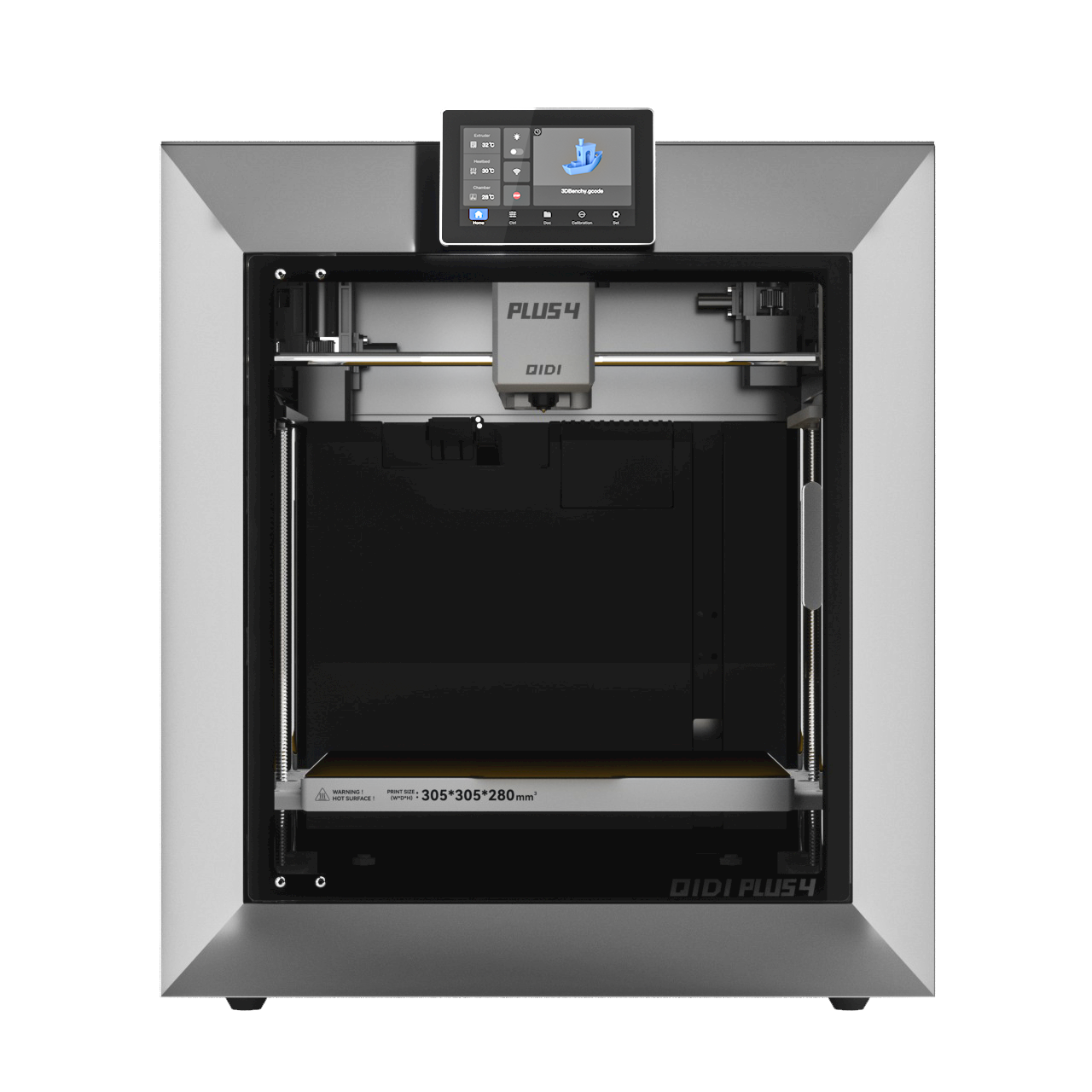 Plus 4
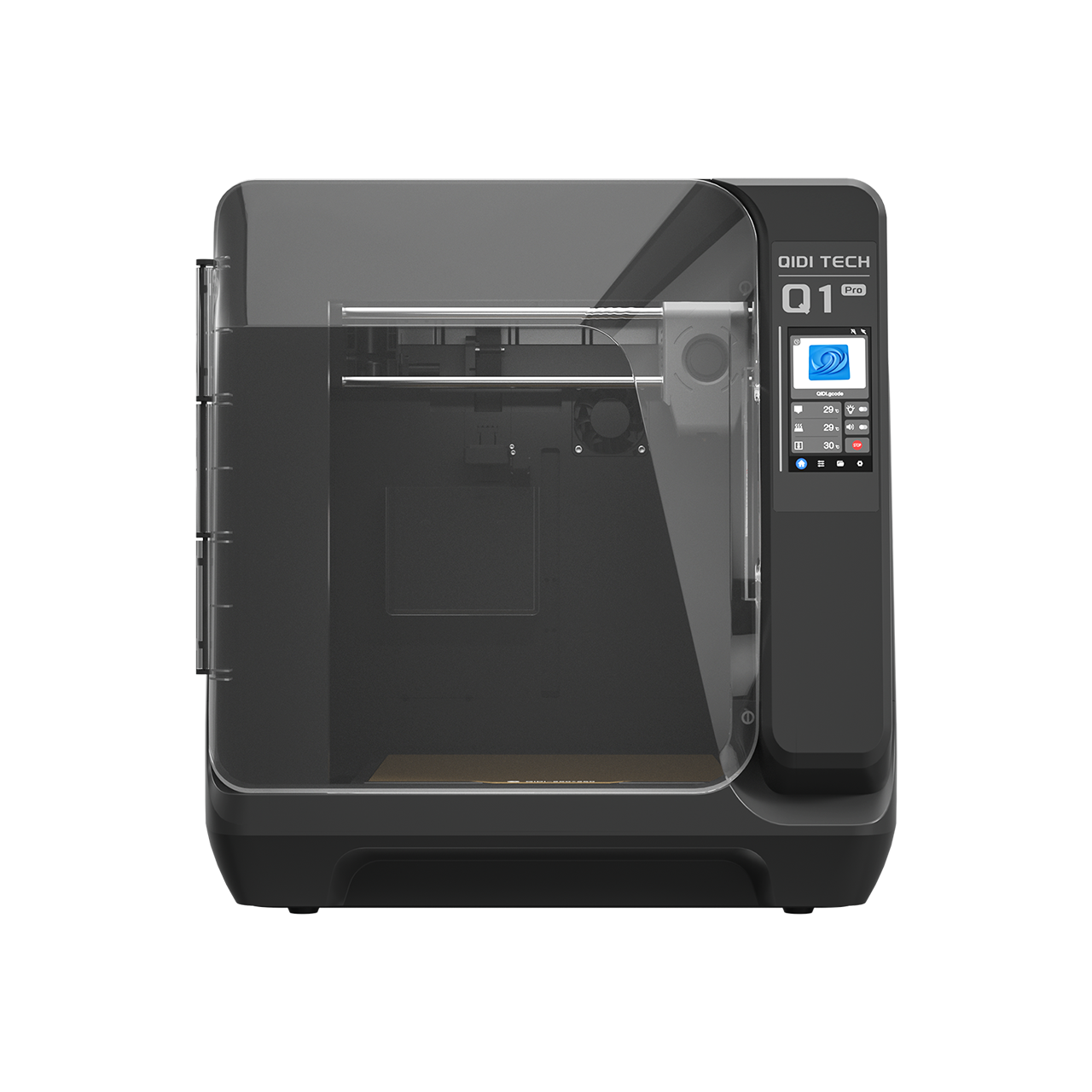 Q1 Pro
 X-Max 3


Choosing a QIDI Printer for a School Engineering Lab


Choose a school 3D printer by matching your course filaments and largest one-piece parts to listed build specs. Then confirm your room, supervision plan, and maintenance staff can support the machine. Between our two large enclosed models, the Plus5 is the smaller-envelope candidate and the Max4 makes sense when parts outgrow it.
Top temperature and speed ratings should not decide the choice. Both models share the same headline heat limits, so the gates that really separate them are part size, floor space, and who can safely run and service the printer.
Match course materials and part sizes to QIDI's documented specs
Start with two lists before you compare models. First, write down the exact filaments your courses specify, not a broad label like "engineering plastics." Second, record the largest required single-piece part in all three dimensions, along with the orientations it can print in.
| Model | Build size / external size | Listed materials and limits |
|---|---|---|
| QIDI Plus5 | 320 × 320 × 300 mm (about 12.6 × 12.6 × 11.8 in) / 500 × 488 × 558 mm (about 19.7 × 19.2 × 22.0 in) | PLA, PETG, ABS, ASA, TPU, PA, PC, PPS-CF; 370°C nozzle, 65°C chamber, 120°C bed |
| QIDI Max4 | 390 × 390 × 340 mm (about 15.4 × 15.4 × 13.4 in) / 558 × 578 × 612 mm (about 22.0 × 22.8 × 24.1 in) | PLA, PETG, ABS, ASA, TPU, PA, PC, PPS-CF; 370°C nozzle, 65°C chamber, 120°C bed |
Both machines list the same material categories and heat limits. That means, for these materials, the material column does not separate them. Build size does. Check each part dimension against the matching axis after trying different orientations. If a required one-piece part goes past any axis, that model is not a documented single-piece fit.
A listed material is a machine capability. It is not school approval. A maximum temperature is a ceiling, not a suggested operating setting. Use the current filament instructions to set print conditions, and run your material list past whoever approves chemicals and equipment at your school. External dimensions also leave out working space, which the next section covers.
Screen the room, supervision, and repair plan
Treat room approval, student supervision, routine maintenance, and repair authorization as four separate pass/fail checks. A model that clears the size test can still fail any one of them.
Room and clearance. The Plus5 measures 500 × 488 × 558 mm, and the Max4 measures 558 × 578 × 612 mm. For both, we recommend extra clearance at the back, sides, and top so staff can change filament and the printer gets proper ventilation and cooling. Measure the real bench or cart, plus that clearance, plus the access path into the room.

Applicable school rules. In Washington, the state health department's Washington school-use recommendations call for placing printers away from student desks or main workstations, effective ventilation, safety training before use, and an instructor pre-use inspection. The same guidance limits routine maintenance or cleaning to instructors or maintenance workers and says only certified professionals should service the printer. According to that page, Washington's school code requires local mechanical exhaust ventilation, and HEPA and charcoal filters alone are not enough under the code. Our printers have enclosures and built-in air filters, but neither one proves a room complies with the rules. Outside Washington, ask your district's facilities or safety authority to apply your state, local, and district requirements to the actual room. Our guide to 3D printer safety covers placement, fumes, and fire risk as background for that conversation.
Stop condition: do not approve either printer for student use until your designated safety or facilities authority confirms that the room and supervision plan meet the applicable requirements.
Routine upkeep. Our Plus5 and Max4 maintenance manuals list the same schedule for the named tasks:
- Clean and oil the steel linear shafts every 2–4 weeks, or sooner if they look dirty or dry. Heavy printing at high chamber temperatures can mean more frequent service.
- Check and grease the Z-axis lead screws every 1–3 months, depending on use, grease type, and environment.
- Check the four fans regularly for dust and clear them with compressed air while the printer is off.
The manuals do not say how long each task takes, what skill it needs, or who may do it. Matching intervals also do not prove the two printers need the same total service effort. Put the schedule on a staff calendar and name the person responsible for each task under school policy.
Repairs. For the Max4, our QIDI support resources include guides for nozzle and hot-end replacement, belt adjustment, filter replacement, and clearing clogs. Have staff read those guides to judge which jobs they can handle and which ones need escalation. Our article on 3D printer maintenance costs can help you budget for wear parts.
Choose a conditional QIDI shortlist
To build a conditional shortlist, match your largest required part against the envelope and check that your lab has confirmed room, supervision, and maintenance approvals. Use this three-step decision rule to narrow your candidate.

- Shortlist the Plus5 if your course filaments are on its listed materials, every required one-piece part fits its build envelope in some orientation, and the room, supervision, and maintenance checks pass. Its smaller footprint helps in a crowded lab.
- Consider the Max4 if a required one-piece part goes past a Plus5 axis but fits the Max4. It qualifies only when the room can hold its larger body plus clearance and the same operational checks pass.
- Choose neither if a required material or dimension falls outside both listings, or if the school cannot confirm room approval and authorized maintenance and repair staff.
The two manuals give the same intervals for the named recurring tasks, so routine upkeep does not pick a winner. If skill, authorization, room approval, or repair escalation is still unknown, call your pick a candidate pending review, not a final selection. These two models are not our whole range. If neither fits, look at the QIDI printer lineup and run any other model through the same checks. For a wider look at duty cycle and serviceability, see hobby vs. commercial printers.
FAQs
What chamber setting do we recommend for PLA?
With the Polar Cooler installed, we recommend setting the chamber about 10°C below the filament's softening temperature. For PLA, that means keeping the chamber at or below 45°C. Too much chamber heat can hurt extrusion and retraction and raise the risk of clogs, so follow the current filament and printer instructions for each job.
What if a required part is too large for the listed build volume?
Try reorienting it first, since a diagonal or rotated layout may fit a different axis. Splitting the design into sections works only if the pieces can be joined well enough for the project. If the part has to stay in one piece and is larger than the Max4 envelope, neither model here is a documented single-piece match.
What maintenance details should a school confirm before purchase?
Ask for the model-specific task schedule, the skill or authorization each task needs, the consumables and spare parts involved, and the route for repairs your staff cannot do. Compare those answers with your staff's actual time and your district policy. Our manuals list the tasks and intervals but not how long they take or who should do them, so your review fills that gap.
- Match course materials and part sizes to QIDI's documented specs
- Screen the room, supervision, and repair plan
- Choose a conditional QIDI shortlist
- FAQs
- What chamber setting do we recommend for PLA?
- What if a required part is too large for the listed build volume?
- What maintenance details should a school confirm before purchase?
Recommended products