Q2
Q2




Best Clearance for 3D Printed Snap-Fit Clips and Latches


The Engineering of the Perfect Click: Mastering Snap-Fit Clearances
Creating a replacement part that "clicks" perfectly is often the defining moment for a maker transitioning into a prosumer workflow. Whether you are repairing a high-end appliance or designing custom housings for electronic components, the snap-fit joint is a fundamental mechanical feature. However, many find that their printed clips either snap off during the first use or are so loose that the assembly rattles.
The frustration of failing fitment usually stems from a single misunderstood variable: clearance. In professional manufacturing, clearance is not a "one size fits all" number; it is a dynamic system variable influenced by material shrinkage, printer calibration, and thermal management. By understanding these mechanics, we can move away from trial-and-error "tinkering" and toward predictable, industrial-grade outcomes.
Why "Perfect" Clearance is a Moving Target
In CAD software, a 10mm peg in a 10mm hole is a perfect fit. In the physical world of FDM printing, that same peg will never fit. This is due to the nature of thermoplastics. As the molten plastic cools, it contracts. If the material shrinks significantly, the geometry of your snap-fit latch changes, often resulting in a joint that is too tight to engage without breaking.
The Material Shrinkage Factor
Different materials exhibit vastly different shrinkage rates, which directly dictates the required design clearance. Based on our observations in professional repair scenarios, we categorize materials into two primary groups:
- Low-Shrinkage Materials (PLA, PETG): These materials typically shrink between 0.2% and 0.5%. For these, a design clearance of 0.2mm to 0.3mm is usually sufficient for a secure fit.
- High-Shrinkage Materials (ABS, ASA, Nylon): Engineering plastics like ABS or ASA have higher shrinkage rates, often between 0.5% and 1.5%. To compensate for this contraction, practitioners often need a clearance of 0.3mm to 0.5mm.
Advanced Materials and Anisotropic Challenges
As you move into high-performance materials like PAHT-CF (PPA-CF) Filament or PPS-CF Filament, the rules of clearance become more complex. Carbon-fiber reinforced filaments introduce anisotropy—meaning the part shrinks differently along the X and Y axes than it does along the Z axis (the vertical print height).
The Carbon-Fiber "Stiffness" Trap
Carbon fiber increases the flexural modulus significantly. For example, PAHT-CF (PPA-CF) Filament has a bending modulus of over 6700 MPa. While this makes for incredibly strong parts, it also means the snap-fit "arm" has very little elastic recovery. If the clearance is too tight, the material will snap rather than bend.
For these reinforced materials, we recommend a larger clearance of 0.4mm to 0.6mm. This extra room accounts for the reduced flexibility and ensures the latch can deflect enough to clear the retaining lug without exceeding the material's breaking elongation rate (which is typically low, around 1.9% for PAHT-CF).

The Role of Thermal Management in Accuracy
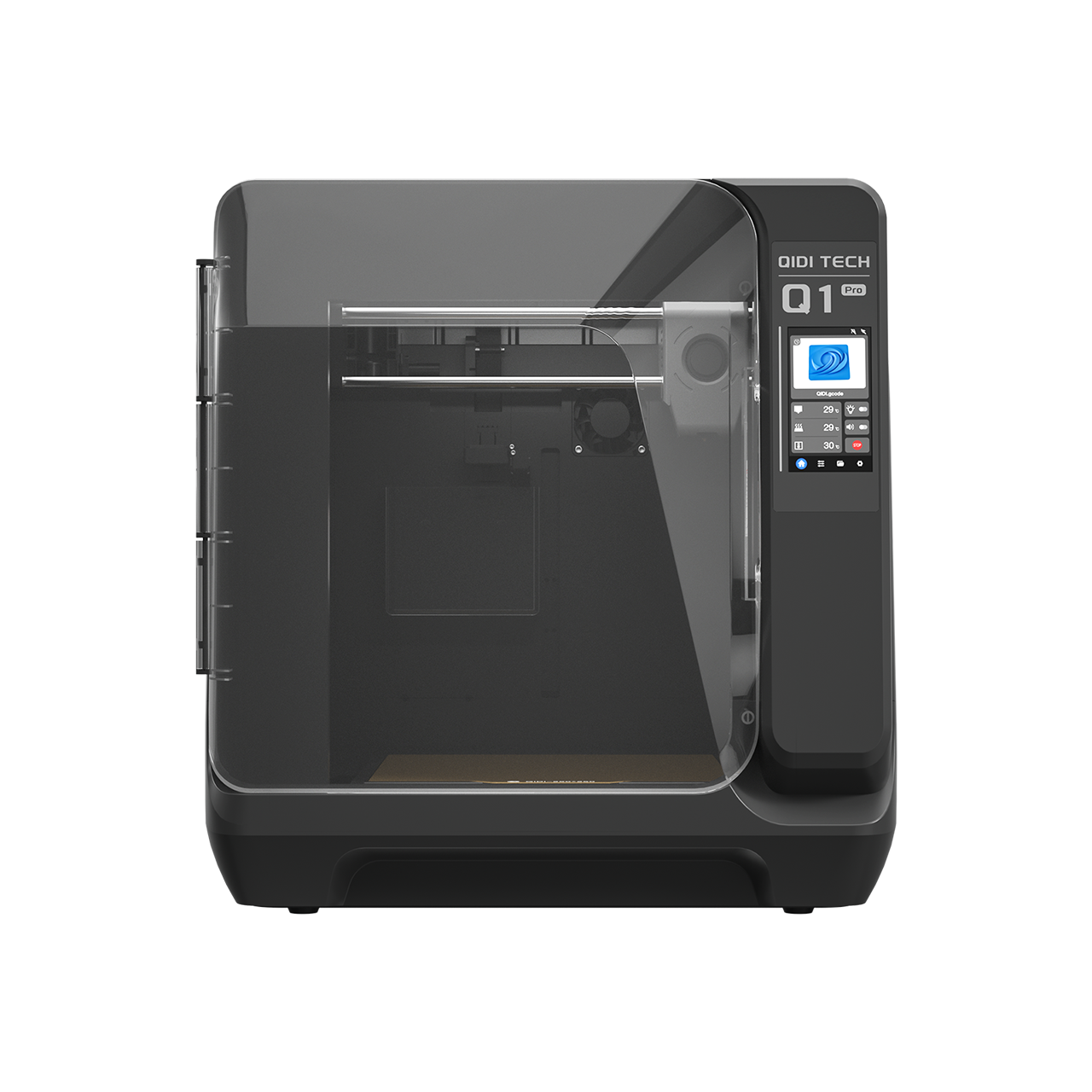
One of the most significant advantages of prosumer-grade printers is the heated chamber. Ambient temperature isn't just about preventing warping; it’s about controlling the final dimensions of your part.
In our internal modeling of functional fitment, we've observed that using an enclosed printer with a stable chamber temperature of 60°C or higher can reduce shrinkage-induced tightness by 15% to 25% compared to printing in an open-air environment. This is because the part cools more slowly and uniformly, allowing the internal stresses to relax before the part is fully solidified.
When using materials like Odorless-ABS Rapido Filament, maintaining a heated chamber (recommended 55-80°C) is critical. This filament is specifically engineered for high-speed, high-durability parts like automotive clips, but its dimensional success relies on that thermal stability.
Modeling Fitment: A Heuristic Guide
To help you select the right starting point, we have developed a scenario model based on common engineering materials and environmental conditions.
| Material Type | Environment | Est. Shrinkage | Recommended Clearance | Rationale |
|---|---|---|---|---|
| PLA / PETG | Open Air | 0.2 - 0.4% | 0.25mm | Low thermal contraction; high accuracy. |
| Odorless-ABS Rapido | Heated Chamber (60°C) | 0.6 - 0.8% | 0.35mm | Controlled cooling reduces total shrinkage. |
| ASA-Aero Filament | Enclosed | Variable (Foaming) | 0.40mm | On-demand foaming requires extra "breathing" room. |
| PAHT-CF (Carbon Fiber) | Heated Chamber (65°C) | 0.3 - 0.5% (XY) | 0.45mm | Low flexibility requires higher clearance for deflection. |
| PPS-CF Filament | Heated Chamber (65°C) | < 0.1% | 0.20mm | Extreme dimensional stability allows for tight tolerances. |
The Prosumer Workflow: From CAD to "Click"
To achieve professional results, you must bridge the gap between your digital design and the physical reality of your printer. We recommend a three-step workflow for every new mechanical assembly.
1. Design with Intent
Start with a baseline clearance of 0.4mm. This is a "safe" middle ground for most engineering plastics. Ensure your snap-fit has a generous fillet at the base of the cantilever arm. Sharp corners are stress concentrators that lead to premature failure, especially in materials with lower interlayer adhesion.
2. Slicer Compensation (Horizontal Expansion)
A common mistake is assuming CAD dimensions are the only way to control fitment. Most modern slicers offer a setting called "Horizontal Expansion" (or "XY Size Compensation").
- The Problem: FDM printers tend to "squish" the plastic slightly outward, making holes smaller and pegs larger.
- The Solution: Applying a slight negative horizontal expansion (typically -0.1mm to -0.2mm) can often fix a "too tight" fit without requiring you to change your CAD model.
3. The Three-Print Iteration Rule
Experienced practitioners rarely print the whole assembly at once. Instead, they print a "fitment gauge"—a small section of the clip and its housing.
- Print A: At the design clearance (e.g., 0.4mm).
- Print B: At +0.1mm adjustment.
- Print C: At -0.1mm adjustment. By testing these three small pieces, you can identify the "perfect click" for your specific material and printer combination in under 30 minutes.

Summary of Key Takeaways
Mastering snap-fits is less about finding a "magic number" and more about managing the variables of your specific workflow.
- Material Matters: Use 0.2-0.3mm for PLA/PETG and 0.3-0.5mm for ABS/ASA.
- Reinforcement Requires Room: For carbon-fiber materials like PAHT-CF, increase clearance to 0.4-0.6mm to compensate for stiffness.
- Heat is Your Friend: A heated chamber significantly improves dimensional accuracy by reducing internal stress and shrinkage.
- Calibrate the Slicer: Use horizontal expansion settings to fine-tune fitment without redesigning the part.
- Test Small: Use the three-print iteration rule to save time and filament.
By treating 3D printing as an engineering process rather than a hobbyist experiment, you can produce spare parts that don't just "work," but perform with the reliability of the original factory components.
Disclaimer: This guide is for informational purposes. Always wear appropriate personal protective equipment (PPE) when handling industrial filaments and ensure your workspace is well-ventilated when printing with materials like ABS or ASA.
Related Reading:
- The Engineering of the Perfect Click: Mastering Snap-Fit Clearances
- Why "Perfect" Clearance is a Moving Target
- The Material Shrinkage Factor
- Advanced Materials and Anisotropic Challenges
- The Carbon-Fiber "Stiffness" Trap
- The Role of Thermal Management in Accuracy
- Modeling Fitment: A Heuristic Guide
- The Prosumer Workflow: From CAD to "Click"
- 1. Design with Intent
- 2. Slicer Compensation (Horizontal Expansion)
- 3. The Three-Print Iteration Rule
- Summary of Key Takeaways
Рекомендуемые продукты