Q2
Q2




How Lithophanes Work: Turning Light into 3D Photographic Art


The Intersection of Light and Geometry: Understanding Lithophanes
A lithophane is a three-dimensional artwork that remains nearly invisible until it is backlit. Historically, these were crafted from thin porcelain, but modern FDM (Fused Deposition Modeling) technology has transformed this 19th-century art form into a premier project for serious makers. By varying the thickness of a 3D-printed part, we can precisely control how much light passes through, effectively "printing" a grayscale photograph using nothing but geometry and translucency.
For the prosumer, lithophanes represent the perfect transition from functional parts to sophisticated home decor. They demand a level of precision and reliability that typical hobbyist machines often struggle to maintain. Achieving a gallery-quality result requires a deep understanding of printer resolution, material science, and mechanical stability.

The Physics of Translucency: How Thickness Becomes Color
The fundamental principle of a lithophane is light attenuation. When light hits a semi-translucent material like PLA (Polylactic Acid), a portion of that light is absorbed or scattered. The thicker the material, the more light is blocked, resulting in a darker area of the image. Conversely, thinner sections allow more light to pass through, creating highlights.
To achieve a wide dynamic range—the spectrum between the brightest whites and the deepest blacks—you must calibrate your print thickness. Based on common shop heuristics and material testing, a standard lithophane typically operates within a thickness range of 0.8mm to 3.2mm.
Technical Execution: The Vertical Advantage
The most common mistake beginners make is printing a lithophane flat on the build plate. While this is easier, it limits the resolution of the image to the diameter of your nozzle (typically 0.4mm). To unlock professional-grade fidelity, you must print the lithophane vertically along the Y-axis.
By printing vertically, the image resolution is determined by the printer's Z-axis (layer height), which is significantly finer than the nozzle width. A layer height of 0.1mm or 0.12mm provides a resolution four times higher than a flat print, capturing subtle gradients in skin tones and textures that would otherwise be lost.
The 100% Infill Rule
In most 3D printing applications, we use infill to save time and material. However, for lithophanes, infill is a critical failure point. Practitioners often observe that even a 99% infill setting creates tiny internal gaps. When backlit, these gaps cause a "moiré" pattern—distracting internal lines that ruin the photographic illusion.
We recommend a strict 100% rectilinear infill. This ensures a solid, uniform block of plastic where light only interacts with the exterior geometry. Based on patterns from customer support and community feedback, "infill ghosting" is the leading cause of discarded lithophane prints.
Mechanical Stability in Tall, Thin Prints
Printing a 150mm tall lithophane that is only 3mm thick is a mechanical challenge. As the printer reaches higher layers, the part becomes a "lever," and the movement of the print bed can cause it to vibrate or wobble. This leads to visible layer shifts or "ringing" in the final image.
To mitigate this, we employ three professional strategies:
- Y-Axis Alignment: Align the long edge of the lithophane with the Y-axis (the direction the bed moves). This minimizes the "whipping" effect during rapid movements.
- The Helper Disk Method: Use a large brim or "helper disks" (small circular pads) at the base corners to increase the surface area contact with the build plate.
- Speed Reduction: While high-performance machines like the QIDI Max4 3D Printer can reach incredible speeds, lithophanes benefit from a controlled pace. Reducing speed to 30-45 mm/s ensures the nozzle doesn't "tug" on the top of the print.
Workflow: From Digital to Physical
Creating a lithophane is a multi-step process that begins in software.
- Image Preparation: High-contrast photos with clear subjects work best. Use a photo editor to slightly boost the shadows and highlights.
- Conversion: Use a dedicated lithophane generator (many are web-based). Ensure you select "Positive Image" so that the thicker parts correspond to the darker areas of your photo.
- Slicing: Import the STL into your slicer. Set your orientation to vertical, use 100% rectilinear infill, and disable "Thin Wall" detection to ensure the slicer doesn't skip the narrowest highlights.
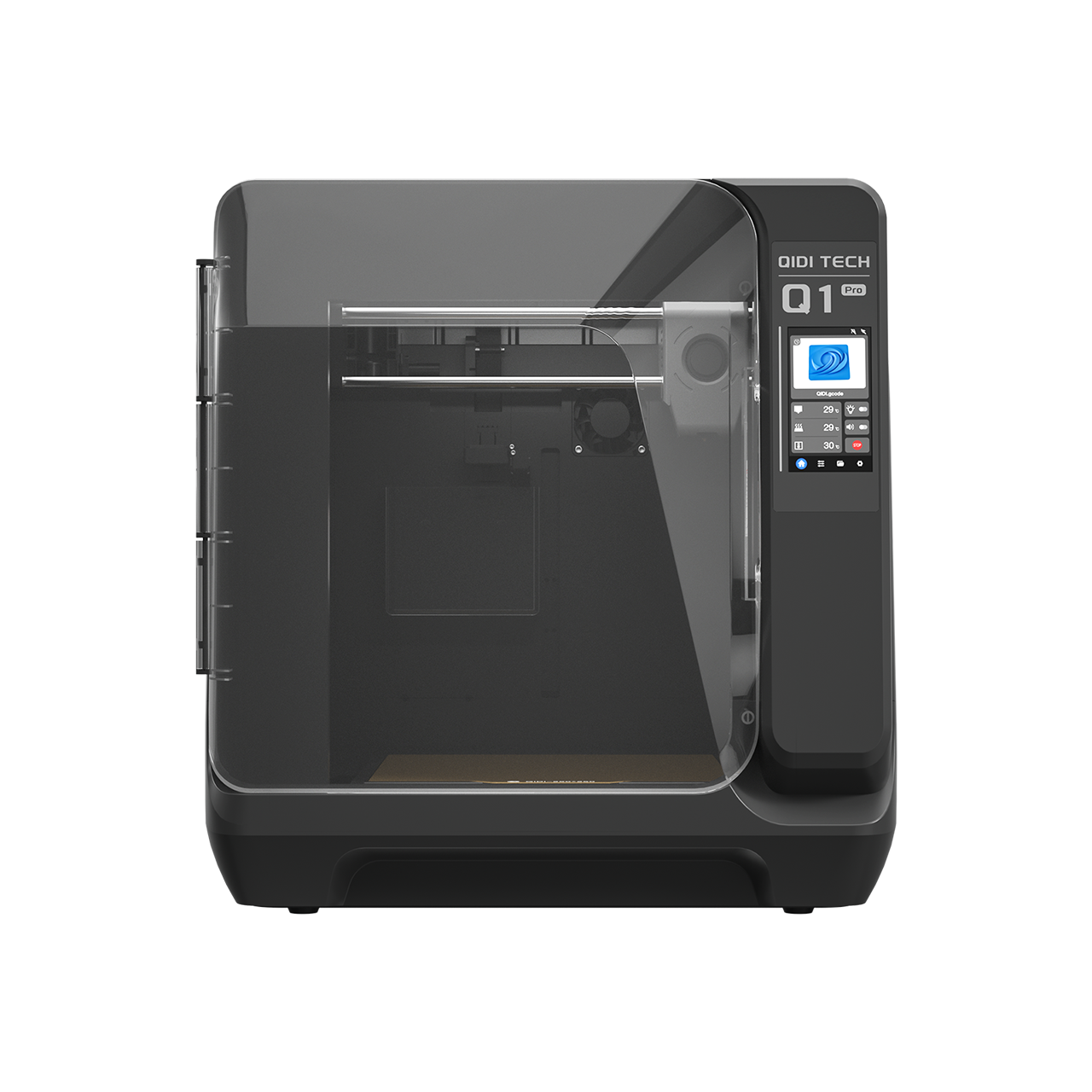
- Hardware Selection: For consistent results, an enclosed printer like the QIDI Q2C 3D Printer is ideal. The controlled environment prevents drafts from causing the tall, thin part to warp or detach mid-print.

Advanced Applications: Functional Lighting
Once you master the flat lithophane, the next step is integrating it into functional home decor. This is where the intersection of FDM technology and interior design truly shines. You can design custom lampshades, nightlights, or even window hangings.
If you are interested in further customizing your home environment, you might find our guide on 3D printing replacement vintage furniture knobs useful for matching your new lithophane lamps with your existing furniture.
Summary of Professional Best Practices
Lithophanes are more than just a novelty; they are a testament to the precision of modern 3D printing. By utilizing the Z-axis resolution and maintaining strict infill standards, you can create art that rivals traditional porcelain.
- Print Vertically: Always utilize the Z-axis for maximum photographic detail.
- 100% Infill: Avoid the moiré effect by ensuring the part is completely solid.
- Stability is Key: Use brims and Y-axis alignment to prevent vibration in tall prints.
- Material Matters: Choose PLA Basic for contrast or PLA Matte Basic for a refined surface finish.
- Enclosed Hardware: Use reliable machines like the QIDI Max4 3D Printer to ensure thermal stability and precision.
By following these professional heuristics, you move beyond hobbyist tinkering and into the realm of high-fidelity digital craftsmanship, creating functional art that transforms light into a tangible experience.
Lithophane FAQ
What layer height should I use for a lithophane?
Use 0.1mm or 0.12mm and print the panel vertically. A vertical lithophane resolves image detail along the Z-axis, so layer height — not nozzle diameter — sets the effective resolution. A 0.1mm layer captures roughly four times the vertical detail of a 0.4mm nozzle laid flat, which is the difference between readable skin tones and visible banding.
Why does my lithophane look striped when it is backlit?
Two causes dominate. Infill below 100% leaves internal voids that read as a moiré pattern once light passes through the part. The second cause is vibration in a tall, thin print; slowing to 30-45 mm/s and aligning the long edge with the Y-axis usually clears it. If the banding is colour-related rather than geometric, our notes on preventing colour bleeding in multi-tone prints cover the purge and transition settings involved.
Which filament gives the best contrast?
Natural or white PLA remains the baseline because it diffuses light evenly across the panel. Matte PLA lowers peak brightness slightly but hides layer lines on the viewing face. For colour work, see our guide to multi-material colour lithophanes. Heavily filled filaments such as carbon-fibre or glitter blends block light almost completely and are not suitable.
Can a lithophane be used as a lamp shade?
Yes, with a cool light source. LED panels run far cooler than incandescent bulbs, which matters because PLA begins to soften around 55-60°C. If the fixture traps heat, print the shade in a more heat-tolerant material; the trade-offs are set out in our guide to translucent filaments for heat-safe lampshades.
Sources:
- PMC: Fused Deposition Modeling of Polymer Composites
- UTHSCSA LibGuides: 3D Printing Filaments and Materials
- Purdue University: 3D Printing Glossary
- Prusa Knowledge Base: Filament Material Guides
- PMC: 3D Printing Materials Advances and Limitations
Disclaimer: This article is for informational purposes only. Always follow the safety guidelines provided by your 3D printer manufacturer. Ensure proper ventilation when printing with any thermoplastic materials.
- The Intersection of Light and Geometry: Understanding Lithophanes
- The Physics of Translucency: How Thickness Becomes Color
- Technical Execution: The Vertical Advantage
- The 100% Infill Rule
- Mechanical Stability in Tall, Thin Prints
- Workflow: From Digital to Physical
- Advanced Applications: Functional Lighting
- Summary of Professional Best Practices
- Lithophane FAQ
- What layer height should I use for a lithophane?
- Why does my lithophane look striped when it is backlit?
- Which filament gives the best contrast?
- Can a lithophane be used as a lamp shade?