

 Q2
Q2
 QIDI Box
 Plus 4
 Q1 Pro
 X-Max 3


Is 3D Printing Safe for Kids

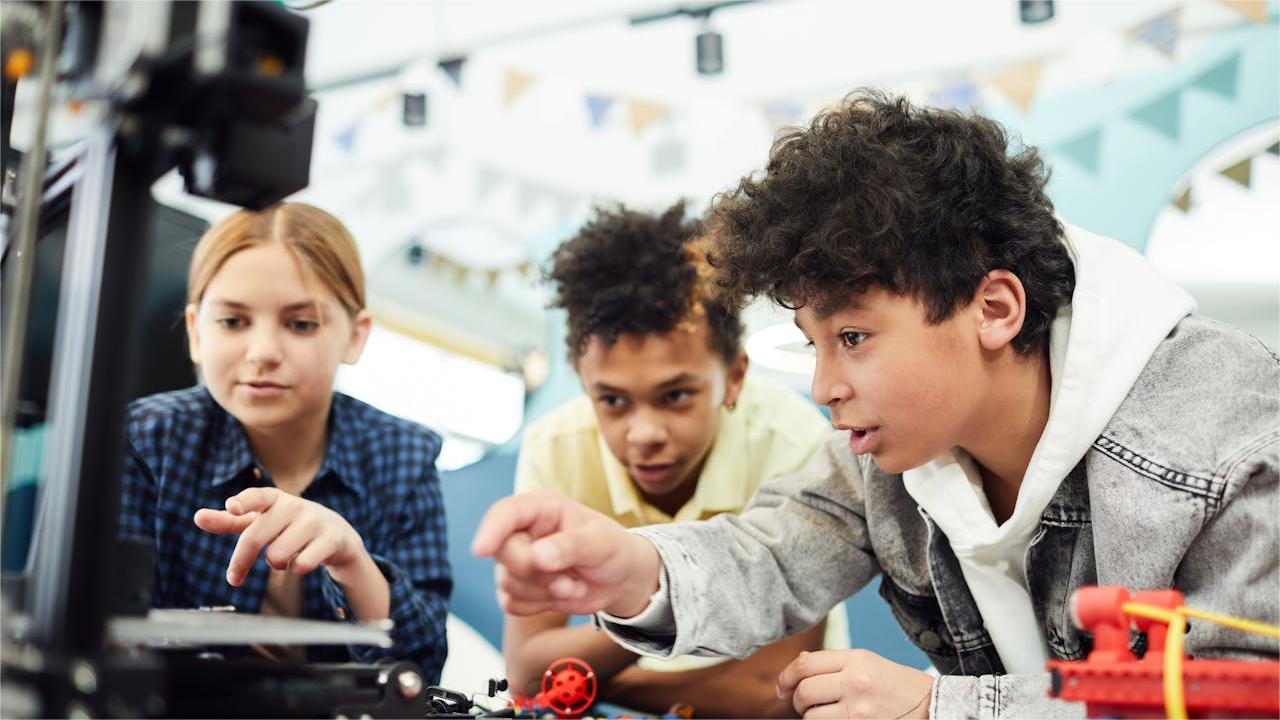
3D printing is safe for kids when the machine is enclosed, the room is ventilated, and the child's role matches their age. The three real hazards are a 200–300°C nozzle, a 60–110°C heated bed, and airborne particles. None of them require keeping children away from the technology — they require deciding, by age, what a child touches and what they only watch.
With its ability to turn imaginative ideas into physical objects, 3D printing captivates kids interested in technology and design. The question parents actually need answered is not "is it dangerous?" but "what should my eight-year-old be allowed to do, and what should they not?" This guide answers that by age band, then covers the hazards individually and how to choose a machine that removes most of them by design.
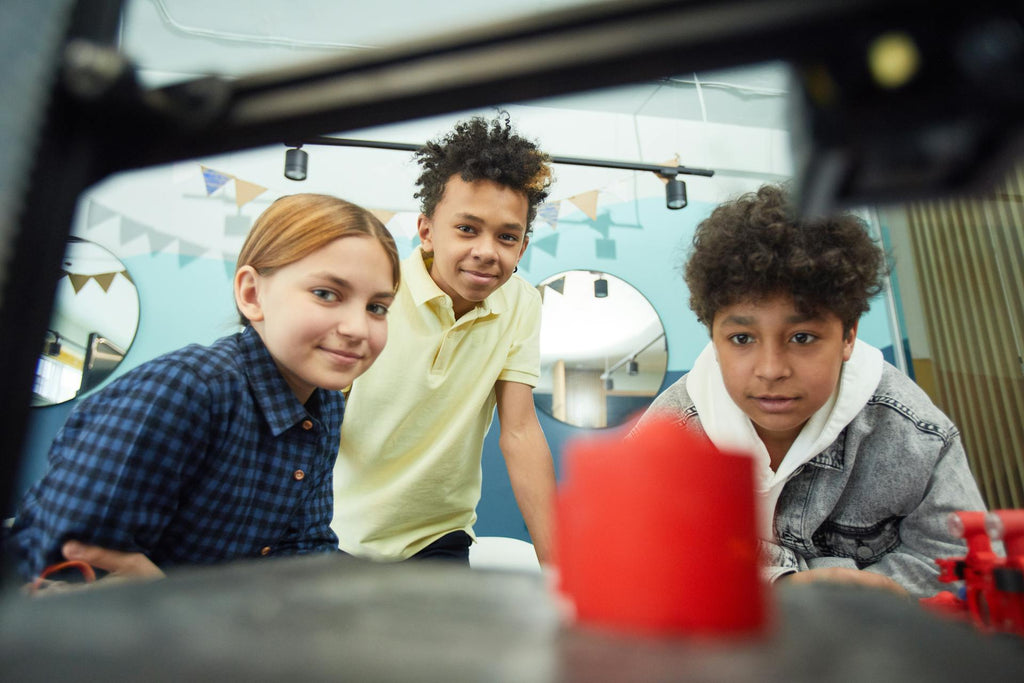
3D printer age range: what kids can safely do
There is no legal minimum age for a desktop 3D printer, and manufacturer age ratings vary. The practical dividing line is not age itself but three capabilities: can the child keep their hands out of a moving, hot machine; can they follow a shutdown instruction immediately; and can they be trusted around a spool of filament and small printed parts.
| Age band | What the child does | Supervision | Hands-on tasks allowed | Main reason for the limit |
|---|---|---|---|---|
| Under 5 | Watches only, from outside arm's reach | Adult present at all times | None | Small parts are a choking risk; no reliable hazard awareness |
| 5–7 | Watches, helps choose models, presses start under an adult's hand | Direct, continuous | None while the machine is hot | Can follow rules but not judge exceptions |
| 8–12 | Designs in simple CAD, slices with help, removes cooled parts from the plate | Adult in the room | Cooled build plate handling, spool changes with help | Hot end and bed still off-limits |
| 13–15 | Runs the whole workflow, loads and unloads filament | Adult available, periodic checks | Everything except nozzle changes and maintenance | Nozzle work needs experience with hot tools |
| 16+ | Independent operation and routine maintenance | Check-ins only | All, after training | Treat as an adult user with a documented safety briefing |
Notice that the age band changes what the child does, not whether they are present. An eight-year-old designing a part in CAD gets nearly all of the educational value with none of the burn risk.
How 3D printing works
To assess the hazards, it helps to know what the machine is physically doing.
1. Digital 3D modeling
The user creates a 3D model of the object using computer-aided design (CAD) software. Simple browser-based tools handle jewelry, figurines, and classroom projects; professional packages add architectural and engineering capability. This stage carries no physical hazard at all, which is why it is the right entry point for younger children.
2. Layer-by-layer printing
The model is exported and sliced into machine instructions. Most affordable home machines are fused deposition modeling (FDM) printers: they feed plastic filament into a heated print head, melt it, and deposit it on the build plate one layer at a time.
Everything hazardous about a 3D printer lives in this second stage — the heat, the motion, and the emissions. That is a useful thing to tell a child, because it makes the rule simple: the computer part is yours, the hot part is mine until you are older.
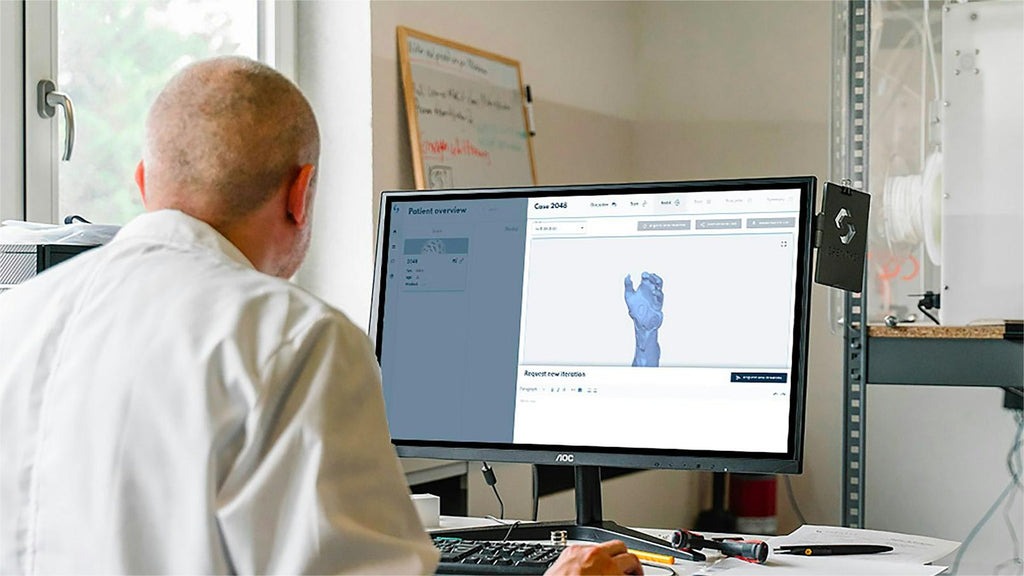
The four hazards, and what actually controls each one
| Hazard | The specific risk | What controls it |
|---|---|---|
| Hot surfaces | Nozzle 200–300°C depending on material; heated bed 60–110°C; both stay hot after the job ends | Enclosed machine with a door; wait for the plate to cool before removal; no leaning over a powered printer |
| Airborne particles and VOCs | Ultrafine particles under 100 nm, plus VOCs that scale with nozzle temperature | Enclosure with filtration, room ventilation, PLA or PETG rather than ABS, printer out of bedrooms |
| Moving parts and tip-overs | Gantry pinch points; a printer pulled off a table by its own cable | Closed door during printing; stable low surface; cables routed and secured; tied-back hair |
| Electrical | Mains-powered heaters, damaged cabling | Grounded outlet, GFCI protection near water, adults handle all connections |
On airborne particles specifically
This is where parents get the least useful information online, so here is what the research actually supports. FDM printers emit ultrafine particles and VOCs; ABS emits several times more particles than PLA. A 2022 dose-modelling study found that when deposited particle mass is normalised to lung surface area, predicted pulmonary deposition is highest in the three-month to nine-year age range, and that frequent exposure allows accumulation over time (3D printer particle emissions: translation to internal dose in adults and children).
That finding argues for a specific set of controls, not for banning the hobby: keep the printer out of any room a child sleeps or plays in for hours, print PLA or PETG rather than ABS when children are around, run an enclosed machine with filtration, and ventilate. Under those conditions the exposure is low. In an unventilated bedroom running ABS overnight it is not. The guide to 3D printer fumes has the full emission figures by material, and the odor guide covers what the smell does and does not tell you.
Children with asthma or other respiratory conditions should not be in the room during long prints, and everyone should wash their hands after handling filament or printed parts and before touching their face.
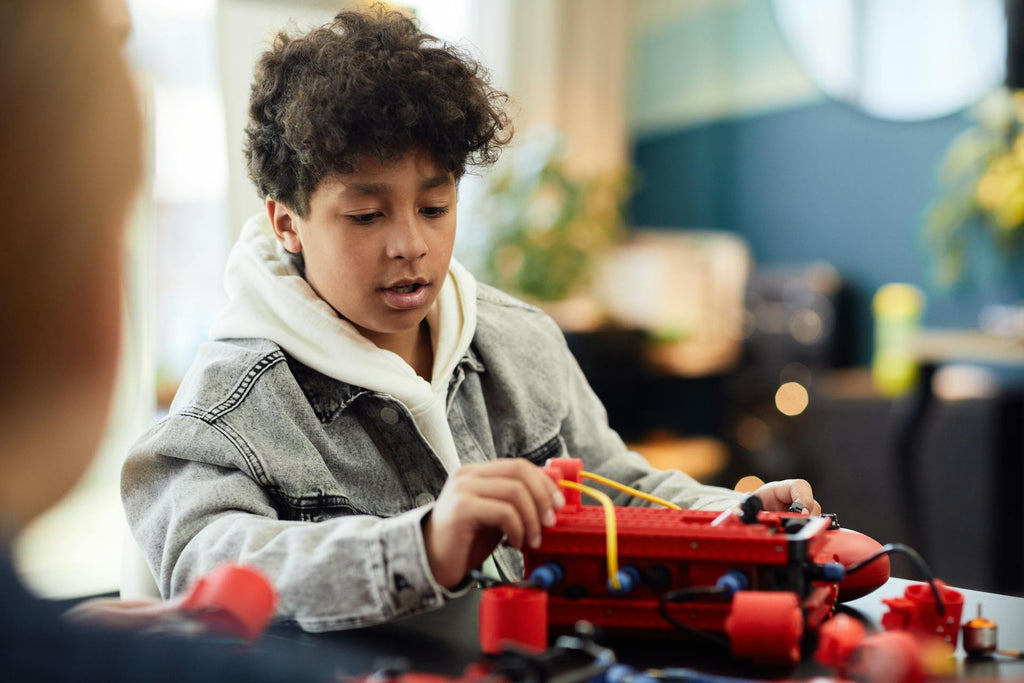
3D printing safety guidelines for children
The US Consumer Product Safety Commission's review of consumer 3D printing reports few documented injuries while flagging heat, electrical, and chemical exposure as the areas needing ongoing attention. The rules below follow from that.
Ages 5 and under
- No contact with the printer, powered or not. Loose filament, nozzles, and small printed parts are choking hazards.
- Watching is fine and valuable, from outside arm's reach, with an adult present.
- Keep finished prints with small parts out of reach until an adult has checked them.
Ages 6–12, with close supervision
- An adult stays in the room whenever the printer is running.
- Place the printer where airflow moves emissions away from where children sit, not toward them.
- Teach hand washing after any contact with filament or parts.
- Let children watch pre-print checks and name the hazards out loud, without touching controls.
- Give them the design work. CAD is the part of this hobby with the highest learning value and zero physical risk.
Ages 13 and up, with training first
- Cover a written safety briefing before independent use: hot surfaces, emergency stop, what to do if something smells burnt.
- Teach a pre-print inspection routine and expect it every time.
- Require heat-resistant gloves for anything near a warm hotend and eye protection when cutting or sanding prints.
- Supervise closely until safe habits are consistent, then step back to check-ins.
- Nozzle changes and hotend maintenance stay an adult job for longer than everything else.
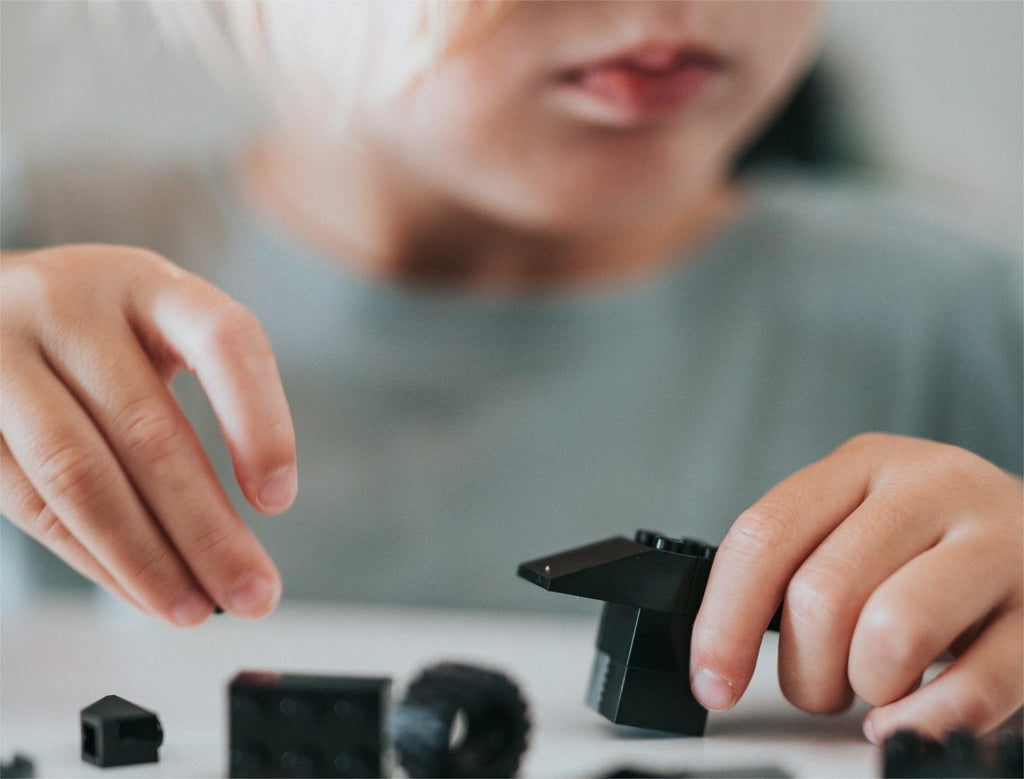
Choosing a 3D printer for kids
Machine choice removes more risk than any rule you can enforce, because a design control works even when nobody is watching. Four features matter.
1. A genuinely enclosed build chamber
A fully enclosed 3D printer puts a physical door between a child and the hot end. It also contains a large share of the emissions rather than releasing them straight into the room. Every current machine in the QIDI lineup is enclosed; the entry-level Q2C uses a flame-retardant enclosure without a chamber heater, which is exactly the right trade for a family machine printing PLA and PETG.
2. Filtration, not just a box
An enclosure with no filter contains emissions until you open the door. Look for combined particle and carbon filtration — HEPA media captures particles, activated carbon adsorbs VOCs, and neither does the other's job. The Plus 5, for example, runs a three-stage filter (G3 pre-filter, H12 HEPA, coconut-shell activated carbon) inside the chamber.
3. A camera and remote monitoring
An onboard camera lets a child watch a print from a tablet in another room. That is the single most underrated safety feature for families, because it removes the reason to hover next to a running machine for hours.
4. Low-temperature materials
Stick to PLA and PETG for anything a child is around. Both print well below ABS temperatures and emit far less. One correction worth making, because it circulates widely: the fact that a base polymer such as PETG appears on food-contact regulatory lists does not make a 3D-printed part food safe. Layer lines trap bacteria, and pigments and nozzle wear add materials the regulation never covered. Choose PLA and PETG because they are lower-temperature and lower-emission, not because a printed part is somehow food grade. The PETG range and the broader filament types guide cover the practical differences.
For a look at how an enclosed printer holds up in a room full of children, see how a board game club runs a QIDI Q2C as a shared machine.
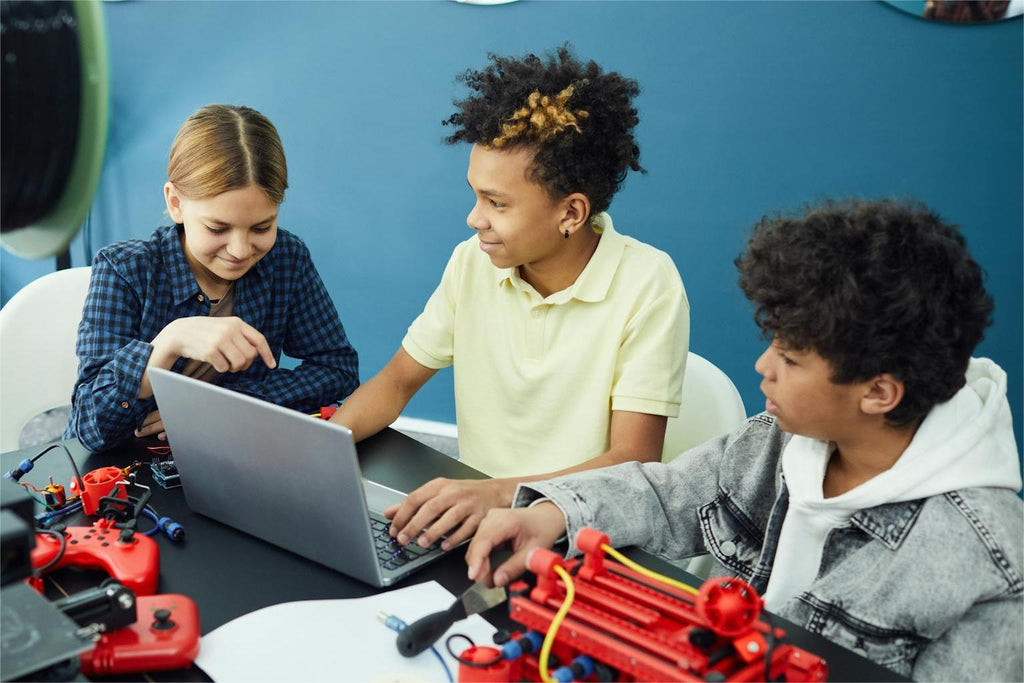
What kids actually get out of it
The learning payoff sits almost entirely in the parts of the workflow that carry no physical risk, which is convenient.
CAD modelling teaches spatial reasoning, dimensioning, and tolerance — the same skills used in industrial design and engineering, on software families of the same type professionals use. Slicing introduces the idea that a digital design must be translated for a physical machine with real constraints. Iteration is the lesson that sticks: the first print of a child's own design almost never fits, and fixing it is the whole point.
Teens can take structured 3D printing classes that formalise this, but a parent and a free CAD tool cover the fundamentals. For low-frustration first projects, the easy projects for kids list is a better starting point than a downloaded model that takes 14 hours.
Frequently asked questions
Can kids use 3D printers?
Yes, with the role matched to the age. Children from about eight can design, slice, and remove cooled parts under supervision. Teenagers with a safety briefing can run the full workflow. Under-fives should watch only. The task that stays with adults longest is anything involving a hot nozzle.
What is the right 3D printer age range?
For hands-on operation with supervision, roughly 8 and up. For independent operation after training, roughly 13–16 depending on the child. For design and CAD work, there is effectively no lower limit — children who can use a tablet can start modelling.
Are 3D printers good for kids?
They are, provided the machine is enclosed and the materials are PLA or PETG. The educational value is real and concentrated in the design stage. The failure mode is not injury; it is an open-frame machine in a bedroom printing ABS overnight, which is a genuinely poor setup and also the one most often pictured in warnings.
Is a 3D pen safe for kids?
A 3D pen is a different device with a different risk profile: the hot tip is exposed and held in the child's hand, with no enclosure at all. Look for models with a lower-temperature PCL mode rather than PLA/ABS mode for younger children, supervise directly, and treat the tip like a glue gun tip. A pen is not automatically safer than a printer just because it is smaller.
What are good 3D printing tips for preschoolers?
Keep preschoolers on the design and observation side entirely. Let them pick colours and models, watch through the enclosure door, and receive the finished object once it has cooled and been checked for small breakable parts. Print in PLA, keep prints large enough not to be a choking hazard, and do not let a preschooler near the plate while it is warm.
Where should I put a 3D printer in a house with children?
A ventilated utility room, garage, home office, or spare room — anywhere that is not a bedroom, not a food preparation area, and not a spot where anyone sits for hours. Route the power cable so the machine cannot be pulled off its surface, and give it a stable low surface rather than a tall shelf.
Do children need a mask around a 3D printer?
Not in a properly set-up room. A general-purpose mask does little against ultrafine particles or VOCs anyway. Ventilation, an enclosed and filtered machine, low-emission materials, and distance do far more, and none of them depend on a child keeping a mask on.
Further reading
- 3D printer age range: what kids can safely do
- How 3D printing works
- 1. Digital 3D modeling
- 2. Layer-by-layer printing
- The four hazards, and what actually controls each one
- On airborne particles specifically
- 3D printing safety guidelines for children
- Ages 5 and under
- Ages 6–12, with close supervision
- Ages 13 and up, with training first
- Choosing a 3D printer for kids
- 1. A genuinely enclosed build chamber
- 2. Filtration, not just a box
- 3. A camera and remote monitoring
- 4. Low-temperature materials
- What kids actually get out of it
- Frequently asked questions
- Can kids use 3D printers?
- What is the right 3D printer age range?
- Are 3D printers good for kids?
- Is a 3D pen safe for kids?
- What are good 3D printing tips for preschoolers?
- Where should I put a 3D printer in a house with children?
- Do children need a mask around a 3D printer?
- Further reading
Recommended products






