

 Q2
Q2
 QIDI Box
 Plus 4
 Q1 Pro
 X-Max 3


Best Beginner 3D Printers Of 2026: A Practical Guide To Your First 3D Printer

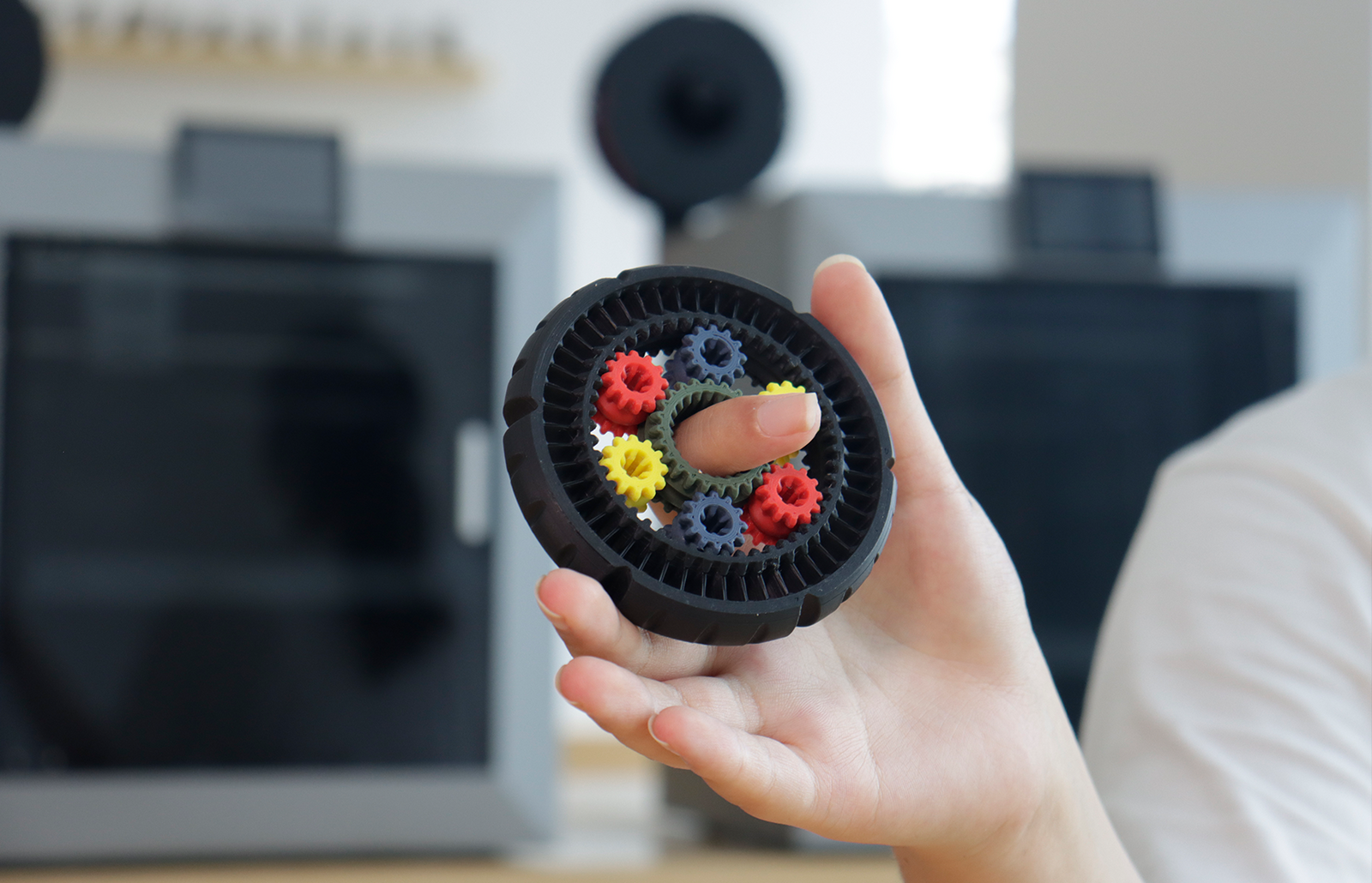
For a first 3D printer in 2026, buy an enclosed CoreXY FDM machine with load-cell automatic leveling, a 370 °C hotend and tuned slicer profiles. That combination removes the three failure modes that stop beginners: an unlevel first layer, a drafty room, and guesswork settings. Current entry machines start at $349, and the step up to a heated chamber costs about $150 more.

What Kind of 3D Printer Should A Beginner Buy For Easy 3D Printing?
Your first 3D printer should cut failure risk, keep indoor use comfortable, and shorten the path from idea to part. The following priorities turn 3D printing into a predictable habit instead of trial and error. Read this section as a beginner 3D printer setup checklist before you buy.
- Automatic bed leveling that measures the surface and sets Z height precisely. A load cell built into the hotend probes the plate with the nozzle itself, so there is no separate sensor offset to calibrate.
- An enclosed chamber with effective filtration for home or classroom comfort.
- A stable motion system, filament runout detection, and power loss recovery.
- A clear touchscreen, WiFi or Ethernet, and an onboard camera for monitoring.
- Strong profiles in the included slicer, plus compatibility with common third-party slicers.
- A first-layer adhesion guide built into the interface for quick calibration.
Balanced specs matter as well. Pick a build volume that fits common projects without overwhelming desk space. Confirm bed temperatures that cover PLA and PETG, and a warm chamber for warp-prone plastics such as ABS or ASA. Read real speed as a function of acceleration and maximum volumetric flow, not only travel moves. Plan for safe placement and simple maintenance so 3D printing stays consistent week to week.
What Does "Enclosed" Actually Buy You?
Two different things get called an enclosure, and the difference matters at this price point. A passive enclosure is a sealed box: it blocks drafts, cuts noise, and holds a little residual heat from the bed. An actively heated chamber adds a heater and a controller that hold the internal air at a set point — 65 °C on QIDI's current machines. Only the heated version keeps a tall ABS or ASA part above its glass transition region long enough to stop layer-to-layer separation.
If your plan is PLA and PETG for the first six months, a passive enclosure is enough and saves money. If you already know you want ABS, ASA, PC or nylon, buy the heated chamber up front — retrofitting one is not practical.
Which Type Of 3D Printer Is Best For Beginners In 2026?
Beginners usually choose between two clear paths. One favors a compact and budget-friendly 3D printer for small desks and easy materials. The other favors an enclosed 3D printer with stronger thermal control and filtration for calmer indoor 3D printing and broader material options. Use the quick comparison below, then pick based on space, noise, and goals.
| Path | Best For | Room and Noise | Materials | Learning Curve | Typical Features |
| Compact budget 3D printer | Small desks, PLA and PETG, low cost | Quieter toolhead, open space needed for airflow | Easy plastics first | Short setup, lighter maintenance | Basic auto leveling, simple presets |
| Enclosed easy to live with 3D printer | Apartments, classrooms, wider material plan | Calmer indoor use with filtration | Adds ABS or ASA and later nylon | Guided setup, fewer environmental variables | Auto leveling, warm chamber, three-stage filter, camera |
Shortlist
- Choose compact if space is tight and you plan to use PLA and PETG only.
- Choose enclosed if you care about indoor comfort or plan ABS or ASA soon.
- In both cases, require strong slicer presets and a guided first layer routine.
QIDI's 2026 Beginner Lineup At A Glance
Four machines are currently sold, and they differ mainly in build volume and chamber heating rather than in core hardware. Every one of them runs a CoreXY motion system, a direct-drive extruder, a 370 °C hotend, a 120 °C bed, load-cell automatic leveling, and firmware based on the open-source Klipper project. Prices below are the standard configuration, with the QIDI Box multi-colour combo in brackets.
| Model | Price (Combo) | Build Volume | Max Speed / Acceleration | Chamber | Who It Suits |
| Q2C | $349 ($529) | 270 × 270 × 256 mm | 600 mm/s / 20,000 mm/s² | Enclosed, not heated | First printer, PLA and PETG, tight budget |
| Q2 | $499 ($649) | 270 × 270 × 256 mm | 600 mm/s / 20,000 mm/s² | 2nd-gen heated, up to 65 °C | First printer that should also run ABS or ASA |
| Plus 5 | $749 ($899) | 320 × 320 × 300 mm | 600 mm/s / 20,000 mm/s² | 3rd-gen heated, up to 65 °C | Bigger parts and engineering filaments |
| Max4 | $1,049 ($1,199) | 390 × 390 × 340 mm | 800 mm/s / 30,000 mm/s² | 3rd-gen heated, up to 65 °C | Large single parts, small-batch runs |
The honest reading of that table: the jump from $349 to $499 buys thermal control, not size. The jump from $499 to $749 buys size, not speed. Only the $1,049 machine changes the speed and acceleration ceiling. Decide which of those three axes you actually need before you compare brands.
If you lean toward the enclosed path, the QIDI Q2 3D Printer aligns with the checklist above. It provides a 270 × 270 × 256 mm build volume, automatic bed leveling with a load cell for accurate first layers, and a chamber controllable to 65 °C that limits warping. A three-stage filter — G3 pre-filter, H12 HEPA and coconut-shell activated carbon — carries MET certification for indoor confidence. The machine runs Klipper, includes an easy slicer, supports common third-party slicers, offers an AI camera, and supports multi-color expansion with the QIDI Box. Rated motion reaches 600 mm/s with acceleration up to 20,000 mm/s² after basic calibration.
On the cheaper Q2C, the frame, motion system, hotend and leveling are the same, and the build volume is identical. What changes is the chamber: its spec sheet lists Chamber Temperature: No, and the air filter is an optional add-on rather than standard equipment. That is the right trade if PLA and PETG cover your projects, and the wrong one if ABS is on your list.

How to Set Up Your First 3D Printer
A reliable first print comes from a simple order: nail the first layer, align flow, then raise motion limits. Follow the steps below, and your 3D printing baseline will feel steady from day one.
- Platform and First Layer: Clean the surface. Run auto leveling. Set a slightly wider first-layer line width at about 105–120 percent of nozzle size and a slower first-layer speed around 15–30 mm/s. Raise the bed temperature a little for tougher adhesion. Keep part cooling low on layer one.
- Flow and Basic Calibration: Print a single-wall test or a flow tower. Measure wall thickness with calipers. Use a fixed line width in the slicer, then adjust the extrusion multiplier until measured walls match the plan. Cap maximum volumetric flow so the hotend stays within melt capacity during 3D printing. Move the seam to a back face or corner for cleaner skins.
- Speed and Motion: Increase acceleration in small steps. Check vertical walls for ringing. Enable input shaping only after the first layer, and the flow looks clean. Keep a simple log with material, nozzle size, temperatures, flow, acceleration, and print time. A reusable baseline shortens every future job on the same 3D printer.
How Do You Calibrate A 3D Printer, In Order?
Calibration is a sequence, not a menu. Each step assumes the one before it is already correct, which is why running them out of order produces contradictory results. The table below is the order to work in, and the target to hit before moving on.
| Step | What You Adjust | Test To Run | Good Enough When |
| 1. Bed mesh | Automatic leveling probe, Z offset | Single-layer square across the full plate | Uniform sheen, no gaps or ridges at any corner |
| 2. Extrusion | Extrusion multiplier / flow rate | Single-wall cube, measured with calipers | Wall thickness within ±0.02 mm of the set line width |
| 3. Temperature | Nozzle temperature per filament | Temperature tower, 5 °C steps | Best layer bonding with the least stringing |
| 4. Retraction | Retraction distance and speed | Two-tower stringing test | No visible strands between towers |
| 5. Pressure advance | Pressure advance / linear advance value | Corner or line pattern at varied speed | Corners neither bulge nor under-fill |
| 6. Resonance | Input shaping frequency, acceleration | Ringing tower or accelerometer sweep | Flat walls with no repeating ripples after a corner |
Machines with a load cell in the hotend and a stored bed mesh handle step 1 for you, and stock profiles usually ship with sane values for steps 3 to 6. A useful habit for a new owner: run steps 1 and 2 on day one, then only revisit steps 3 to 6 when you change filament brand or material. Our full calibration walkthrough covers each test in detail, and printing a 3DBenchy afterwards gives you one model that exposes most remaining faults at a glance.
Troubleshooting 3D Printing: Common Problems and Solutions
Treat troubleshooting like quick triage. Confirm first-layer adhesion, verify flow, then adjust motion and cooling. Use this map during 3D printing to save time and material.
| Symptom in 3D Printing | Change in Settings | Expected Result |
| First layer lifting | Raise bed temperature slightly; slow the first layer; add a brim; lower fan on layer one | Stronger adhesion |
| Stringing between parts | Lower nozzle temperature in range; increase retraction; shorten travel over gaps; add gentle wipe | Cleaner travel |
| Bridges sagging | Lower bridge speed; increase bridge cooling; tune bridge extrusion | Flatter spans |
| Ringing on walls | Reduce acceleration and jerk; enable input shaping; soften sharp direction changes | Fewer ripples |
| Size slightly off | Calibrate flow; use fixed line width; print outer walls first; apply small horizontal expansion if needed | Better dimensions |
| Visible seam marks | Move seam to a corner or back face; choose random or aligned seams; keep outer-before-inner walls | Tidy surfaces |
Which 3D Printing Materials Should Beginners Start With?
Material choice sets the learning curve. Start easy, stabilize your profile, then expand. The table gives beginner-ready slicer cues that work on a wide range of 3D printers and supports indoor 3D printing filter strategies and enclosed chamber benefits.
| Material | Typical Nozzle °C | Cooling | Retraction | Notes For 3D Printing |
| PLA | 190–220 | High after layer one | Short | Early success; use hidden seams for smooth skins |
| PETG | 230–250 | Low to medium | Medium to long | Durable parts; slow gap travels to limit oozing |
| ABS / ASA | 240–260 | Low | Short to medium | Enclosed chamber helps; add brims; raise walls and top layers |
| Nylon / PA-CF | 245–270 | Low | Short | Keep filament dry; wider extrusions; lower acceleration for strong shells |
One spool of PLA and one of PETG will carry you through the first dozen projects. Add ABS or ASA only once the chamber is doing its job and the room has reasonable ventilation, because styrene-based plastics release more volatile organic compounds while printing than PLA does. Our first-spool guide goes deeper on brand and colour choices.

What Will It Cost To Run, Not Just To Buy?
The sticker price is the smaller half of the first-year number for most beginners. Filament is the recurring line item, and electricity is smaller than people expect: at the U.S. residential average of roughly 18 cents per kWh reported by the U.S. Energy Information Administration, a desktop FDM printer drawing an averaged 120 W over a 10-hour job costs about 22 cents of power. Budget instead for the things that actually add up.
| Cost Item | Typical First-Year Figure | Notes |
| Printer | $349 – $1,049 | Current QIDI lineup; combos with multi-colour add $150 – $200 |
| Filament | $100 – $300 | 5–15 kg for an active hobby year |
| Electricity | $10 – $40 | Roughly 2 cents per print hour at average U.S. rates |
| Nozzles and build plates | $30 – $80 | Higher if you print abrasive carbon-fibre or glass-filled filament |
| Failed prints | 5 – 15 % of filament | Falls sharply once calibration is done properly |
For a full breakdown of where the money goes across machine classes, see our 3D printer cost guide.
Start Your Reliable 3D Printing In 2026
A practical path looks simple. Select an enclosed 3D printer with automatic leveling and a friendly slicer. Run the three-step setup to lock the first layer, flow, and motion. Use the troubleshooting table for quick fixes and start with easy materials before stepping up. Follow this structure, and 3D printing turns into a steady habit. Grab a one-page beginner 3D printer setup checklist and a small benchmark model to build your baseline today.
4 FAQs about 3D Printer Maintenance and Optimization
Q1. What nozzle size should beginners use and when should it be replaced?
A: Begin with 0.4 mm for fine details and consistent output. Employ 0.6 mm on larger objects and faster prints, where layer thickness ranges from 0.24 to 0.32 mm. Resort to 0.2 mm on small details only after you've established the fundamental settings. Modify the flow and the temperature individually every time you adjust.
Q2. How do I position parts to be strong and require less support?
A: Utilize most stresses in XY to minimize crack occurrence in layers. Bend models to maintain hanging parts near a 45-degree position and align bridges on short spans. Offer curved edges where stressed areas exist and slant edges where supports will be firm. Hollow thick parts include edges on firm surfaces.
Q3. How do I store filament safely and dry it to prevent print issues?
A: Filament is hygroscopic. Store spools in covered bins containing new desiccant and a hygrometer to maintain less than 25 percent humidity. Popping noises, uneven surfaces, or bonds indicate an issue. Dry spools on a specific dryer by material instructions, then pre-clean the spools 200–300 millimeters prior to key prints.
Q4. Which care plan makes a new 3D printer function properly?
A: Inspect the bed, nozzle tip, and belt tension weekly. Grease rails or lead screws monthly if necessary, tighten frame screws, and vacuum clean the fans and filters. Make first-layer adjustments after large jobs. Maintain a minimal record of hours, material, nozzle size, and temps.
Q5. How much should a first 3D printer cost in 2026?
A: Between $349 and $749 covers almost every beginner. Under $400 gets you a full-size enclosed CoreXY machine without chamber heating. Around $500 adds a 65 °C heated chamber, which is what unlocks ABS and ASA. Around $750 buys a larger 320 × 320 × 300 mm build volume. Spending past that is about part size and throughput, not about being easier to learn on.
Q6. Is a bigger build volume worth it for a beginner?
A: Usually not on the first machine. Most beginner projects fit inside 200 × 200 × 200 mm, and a larger chamber takes longer to heat and costs more to fill with a single failed print. Buy the bigger volume only when you have already designed a specific part that will not fit, which is covered in our build-volume analysis.
- What Kind of 3D Printer Should A Beginner Buy For Easy 3D Printing?
- What Does "Enclosed" Actually Buy You?
- Which Type Of 3D Printer Is Best For Beginners In 2026?
- QIDI's 2026 Beginner Lineup At A Glance
- How to Set Up Your First 3D Printer
- How Do You Calibrate A 3D Printer, In Order?
- Troubleshooting 3D Printing: Common Problems and Solutions
- Which 3D Printing Materials Should Beginners Start With?
- What Will It Cost To Run, Not Just To Buy?
- Start Your Reliable 3D Printing In 2026
- 4 FAQs about 3D Printer Maintenance and Optimization
- Q1. What nozzle size should beginners use and when should it be replaced?
- Q2. How do I position parts to be strong and require less support?
- Q3. How do I store filament safely and dry it to prevent print issues?
- Q4. Which care plan makes a new 3D printer function properly?
- Q5. How much should a first 3D printer cost in 2026?
- Q6. Is a bigger build volume worth it for a beginner?
Recommended products






