Q2
Q2


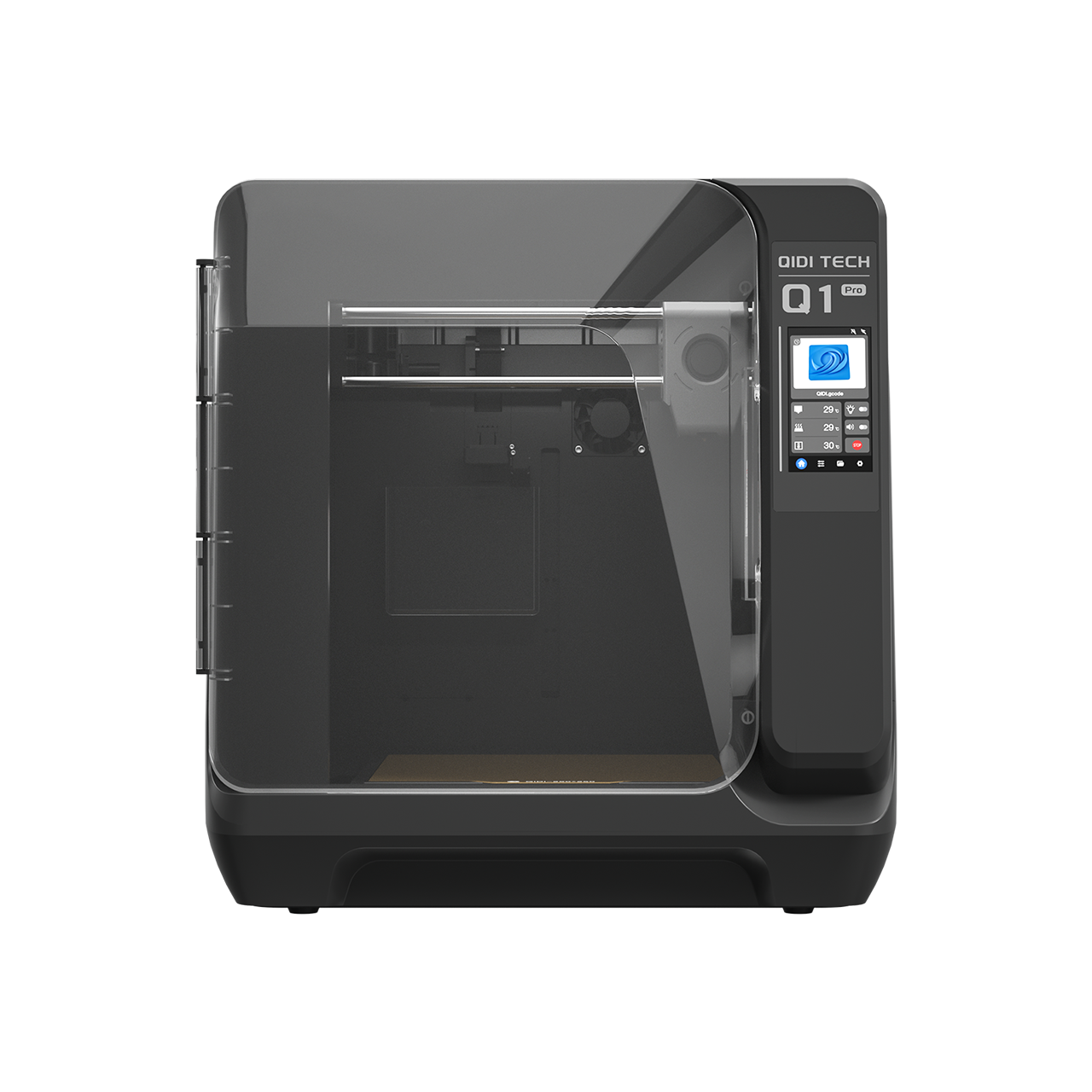


FDM Printing at 600mm/s: Is This the New Standard?


When an FDM printer is advertised at 600 mm/s, that figure usually refers to a maximum achievable speed under favorable conditions, not the speed the printer will maintain across a full print. Real print time depends on acceleration, hotend throughput, model geometry, cooling limits, motion compensation, and filament behavior. A machine can support very fast motion in theory and still spend most of a real print moving much more slowly.
Key Takeaways
Before looking at the details, these are the most important points to keep in mind:
- 600 mm/s is usually a peak speed, not an average print speed
- Acceleration often matters as much as, or more than, the top speed number
- Hotend flow capacity can limit speed before the motion system does
- Small models and short layers often do not benefit much from very high speed settings
- Material choice heavily affects what “fast printing” actually means
Why 600 mm/s Does Not Equal Real Print Speed
FDM motion follows an acceleration profile. A toolhead does not jump instantly from 0 to 600 mm/s. Instead, it accelerates, may cruise briefly, and then decelerates before the next corner, feature, or speed change. Klipper documents this using a trapezoidal motion model, which is why many real toolpaths never spend meaningful time at the advertised maximum speed.
This becomes clearer with a simple calculation. Acceleration distance is v² ÷ 2a. To reach 600 mm/s, a printer needs about 9 mm of travel at 20,000 mm/s² acceleration, and about 6 mm at 30,000 mm/s². Many walls, holes, letters, corners, and small decorative details are shorter than that. In those areas, the printer is mostly accelerating and decelerating rather than cruising at top speed.
In practical terms, 600 mm/s matters most on long, open paths such as:
- broad infill runs
- long internal walls
- large, simple geometry with fewer abrupt direction changes

What 600 and 800 mm/s Look Like on Real Machines
Published speed figures are always a pair: a top speed and the acceleration that determines whether the toolhead can ever reach it. Here is that pair across the current QIDI lineup, with the acceleration distance worked out from v² ÷ 2a:
| Printer | Max toolhead speed | Acceleration | Straight run needed to hit top speed | Build volume |
| Q2C | 600 mm/s | ≤20,000 mm/s² | ~9 mm | 270 × 270 × 256 mm |
| Q2 | 600 mm/s | ≤20,000 mm/s² | ~9 mm | 270 × 270 × 256 mm |
| Plus 5 | 600 mm/s | ≤20,000 mm/s² | ~9 mm | 320 × 320 × 300 mm |
| Max4 | 800 mm/s | ≤30,000 mm/s² | ~10.7 mm | 390 × 390 × 340 mm |
Two things fall out of that table. First, the machine with the higher top speed also has the higher acceleration — an 800 mm/s ceiling paired with 20,000 mm/s² would need a 16 mm straight run and would almost never be used. Second, the larger the build volume, the more often a toolpath is actually long enough to matter, which is why high speed figures tend to appear on larger machines. On a small plate full of detail, a 600 mm/s machine and an 800 mm/s machine will finish at nearly the same time.
Why Acceleration Often Matters More Than the Headline Speed
A high top speed looks impressive on a spec sheet, but acceleration often has more effect on day-to-day print time. If acceleration is limited, the printer spends more time ramping up and slowing down, which reduces the real value of a high maximum speed, especially on smaller parts.
That is why two printers with the same advertised top speed can perform very differently in real use. The more efficient machine is usually the one that can approach its target speed quickly, stay stable through corners, and avoid excessive ringing or motion-related artifacts while doing so.
Why Hotend Flow Often Becomes the Real Bottleneck
Even if the motion system can move very quickly, the hotend still has to melt and extrude enough material to keep up. This is where maximum volumetric flow becomes critical. PrusaSlicer defines maximum volumetric speed as the slicer-controlled limit on how much filament the hotend can be expected to push per second, and it takes priority over any per-feature speed you set. The relationship is straightforward:
Volumetric flow = layer height × extrusion width × print speed.
Using common settings, the required flow rises quickly:
| Setting | Required Volumetric Flow |
| 0.20 mm layer height × 0.40 mm width × 600 mm/s | 48 mm³/s |
| 0.20 mm layer height × 0.45 mm width × 600 mm/s | 54 mm³/s |
| 0.20 mm layer height × 0.40 mm width × 800 mm/s | 64 mm³/s |
If the hotend cannot sustain that throughput, print quality starts to suffer. Common symptoms include:
- under-extrusion
- uneven line width
- weak layer bonding
- rough surfaces
- slicer-imposed slowdowns
This is one of the biggest reasons a printer may be mechanically capable of 600 mm/s while still failing to print cleanly at that speed. It is also why the nozzle is part of the speed conversation: a 0.6 mm nozzle moving at 300 mm/s puts down more plastic per second than a 0.4 mm nozzle at 400 mm/s, and often finishes a large part sooner. If you find your machine is flow-limited rather than motion-limited, changing nozzle diameter is usually the more effective lever, and the range of current machines ships with 0.4 mm as standard and 0.2/0.6/0.8 mm as options.
Why Raising the Speed Setting Does Not Always Save Much Time
Many users increase print speed and then notice that the estimated print time changes very little. That usually happens because the print is limited by geometry or cooling, not just by the maximum speed setting. Every mainstream slicer enforces a minimum layer time: when a layer would otherwise finish too quickly, the toolhead is slowed down so the previous layer has time to cool before the next one is deposited.
This is why high-speed hardware tends to help most with:
- large prototypes
- housings and brackets
- storage bins and organizers
- infill-heavy functional parts
It tends to help less with:
- miniatures
- thin towers
- sharp points
- embossed surfaces
- highly detailed outer walls
For these models, balanced settings usually matter more than the biggest possible speed number. There is a broader look at the ceiling in the guide to how fast 3D printing can actually get.
Why Motion Control and Compensation Still Matter
As print speed rises, vibration control becomes more important. Input shaping helps reduce ringing and other vibration-related artifacts that often appear when the printhead changes direction quickly. Pressure advance helps compensate for pressure changes inside the melt zone during acceleration and deceleration. Together, these tools improve surface consistency and corner behavior at higher speeds.
Motion architecture also affects how easily a printer can handle fast movement. In a CoreXY design, the motors remain stationary while the gantry is driven through coordinated belt motion. In practice, this can reduce moving mass compared with designs that carry more motor weight on the motion assembly, which is one reason CoreXY is often part of high-speed FDM discussions. Belt width is part of the same story — a wider belt resists stretch under high acceleration, which is why fast machines quote it in their specifications. The mechanics are covered in the CoreXY 3D printers guide.
Why Material Choice Changes the Meaning of “Fast”
Not every filament handles high-speed printing equally well. PLA is widely used for speed-oriented profiles because it is relatively easy to print and less prone to warping than many engineering materials. PETG is also beginner-friendly in many cases, but it often needs more care than PLA when balancing speed, cooling, stringing, and surface finish.
Flexible materials are much less tolerant of aggressive speed settings. Common practice for flexibles is to print in the tens of mm/s rather than the hundreds, because the filament itself compresses in the feed path instead of advancing. Pushing much beyond that raises the risk of feeding instability, buckling, clogging, or tangling.
Engineering materials introduce a different set of constraints. ABS and ASA are more sensitive to thermal conditions and more prone to warping than PLA. Nylon also benefits from careful moisture control. In these cases, higher print speed is only useful when the printer can also maintain a stable thermal environment and the material is in good condition — which is why fast machines aimed at engineering work pair the speed figure with an actively heated chamber, as explained in the guide to a temperature-controlled chamber. Filament choices across the range are listed under 3D printer filament.
What Actually Matters When Evaluating a “High-Speed” Printer
If you want to judge real FDM printing speed, do not stop at the maximum mm/s claim. A more useful evaluation framework looks like this:
| What to Check | Why It Matters |
| Acceleration | Determines how quickly the printer can approach target speed |
| Volumetric Flow | Determines whether the hotend can keep up |
| Cooling Limits | Determines whether the slicer must slow down small layers |
| Motion Compensation | Helps control ringing and extrusion instability |
| Material Compatibility | Determines whether the chosen filament can tolerate fast printing |
| Model Geometry | Determines how often the printer can actually use high speed |
The key question is not simply, “Can this printer hit 600 mm/s?” A better question is, “Can it deliver repeatable time savings on the parts I actually print, using the materials I actually use, without unacceptable quality loss?” That is the difference between impressive specifications and meaningful real-world performance.
Common Misconceptions About 600 mm/s Printing
600 mm/s Means the Whole Print Runs at 600 mm/s
Usually, it does not. Short segments, corners, speed transitions, and cooling rules prevent many parts of a print from ever reaching or maintaining that number.
Higher Speed Automatically Means Much Shorter Print Times
Not always. Geometry, acceleration, hotend flow limits, and minimum layer time can all reduce the practical benefit of higher speed settings.
Any Fast Printer Can Print Any Filament Fast
No. Flexible filaments are a clear example of a material category that generally needs much lower print speeds to remain stable and reliable.
Top Speed Is the Most Important Number
In real printing, acceleration, flow capacity, cooling behavior, motion control, and material suitability are often more important than the maximum speed claim by itself.
What 600 mm/s Actually Tells You
600 mm/s should be treated as a capability ceiling, not a guaranteed average print speed. It can be a useful sign that a printer is designed with high-speed motion in mind, but it does not define real-world performance on its own. In practice, meaningful FDM speed comes from the interaction of acceleration, hotend flow, cooling behavior, motion control, and material compatibility. Those factors determine whether a printer is simply fast on paper or genuinely efficient in everyday use.
FAQs about Real-World Print Speed Limits
Q1. How fast is 600 mm/s in practice?
600 mm/s is 0.6 metres per second, or roughly 2.2 km/h — a slow walking pace. The toolhead only holds it on straight runs longer than about 9 mm at 20,000 mm/s² acceleration, so on a detailed model the average speed is a fraction of the headline number.
Q2. Is 600 mm/s fast for a 3D printer?
Yes, by current desktop standards. It sits at the top of the mainstream range, where 800 mm/s marks the fastest widely available desktop machines. But the number is only meaningful alongside the acceleration figure and the hotend's flow capacity, since either can prevent the printer from ever using it.
Q3. Is 600 mm/s a Real Print Speed?
Yes, but usually only in limited parts of a print where the path is long enough and the printer can accelerate, maintain flow, and avoid cooling-related slowdowns.
Q4. What is the difference between 600 mm/s and 800 mm/s in practice?
Less than the 33% gap suggests, because both machines still decelerate for every corner and both are still bound by minimum layer time. The difference shows up on large, simple parts with long infill runs, and largely disappears on small detailed models.
Q5. Why Does My Printer Not Get Much Faster When I Raise Speed Settings?
Because many prints are limited by acceleration, short line segments, volumetric flow, and minimum layer time rather than by the maximum speed setting alone.
Q6. What Matters More Than Maximum Speed?
For most users, acceleration, volumetric flow, cooling behavior, motion compensation, and material suitability are more meaningful than the top speed number alone.
Q7. Is High-Speed FDM Printing Worth It for Everyone?
Not necessarily. Users printing large functional parts or many prototypes often benefit more than users who mainly print very small, highly detailed, or flexible-filament models.
- Key Takeaways
- Why 600 mm/s Does Not Equal Real Print Speed
- What 600 and 800 mm/s Look Like on Real Machines
- Why Acceleration Often Matters More Than the Headline Speed
- Why Hotend Flow Often Becomes the Real Bottleneck
- Why Raising the Speed Setting Does Not Always Save Much Time
- Why Motion Control and Compensation Still Matter
- Why Material Choice Changes the Meaning of “Fast”
- What Actually Matters When Evaluating a “High-Speed” Printer
- Common Misconceptions About 600 mm/s Printing
- 600 mm/s Means the Whole Print Runs at 600 mm/s
- Higher Speed Automatically Means Much Shorter Print Times
- Any Fast Printer Can Print Any Filament Fast
- Top Speed Is the Most Important Number
- What 600 mm/s Actually Tells You
- FAQs about Real-World Print Speed Limits
- Q1. How fast is 600 mm/s in practice?
- Q2. Is 600 mm/s fast for a 3D printer?
- Q3. Is 600 mm/s a Real Print Speed?
- Q4. What is the difference between 600 mm/s and 800 mm/s in practice?
- Q5. Why Does My Printer Not Get Much Faster When I Raise Speed Settings?
- Q6. What Matters More Than Maximum Speed?
- Q7. Is High-Speed FDM Printing Worth It for Everyone?
Empfohlene Produkte