

 Q2
Q2
 QIDI Box
 Plus 4
 Q1 Pro
 X-Max 3


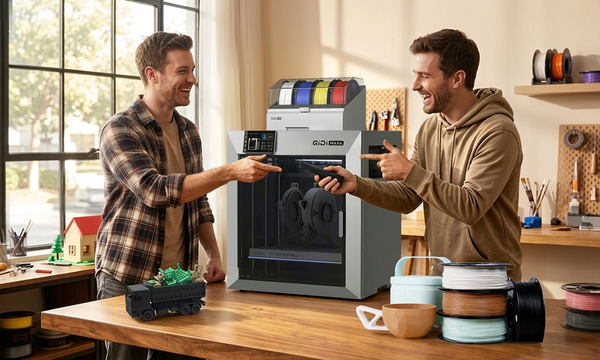
Why Makers Choose QIDI 3D Printers for Rapid Prototyping
Five hardware traits — leveling, materials, build volume, controls, repeatability — separate a printer that saves time from one that stalls revisions.

3D Printing Tip: Easily Turn Models into Keychains
Struggling to hang your favorite 3D prints? Learn to add a perfect hole to any model in just a few clicks with...
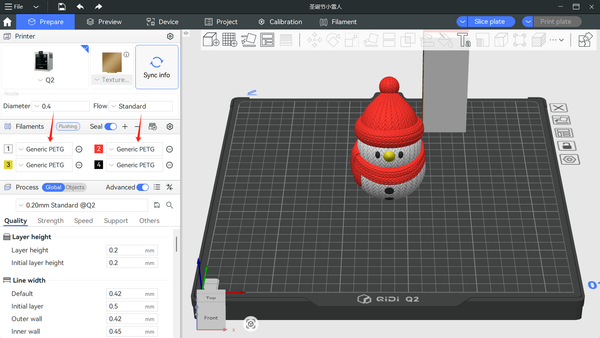
Tutorial for Multi-Color Printing: Connection and Use of QIDI BOX
Stop printing in just one color. Transform your 3D projects with our complete guide to setting up, slicing, and printing multi-colored masterpieces.
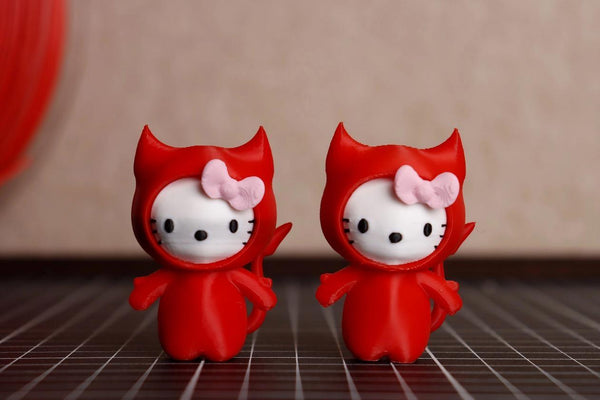
How to Avoid Filament Color Bleeding in Multi-Color 3D Printing?
Achieve clean, bleed-free multi-color 3D prints by optimizing your filament flush volume—especially when switching from dark to light colors—and strategically directing purge...
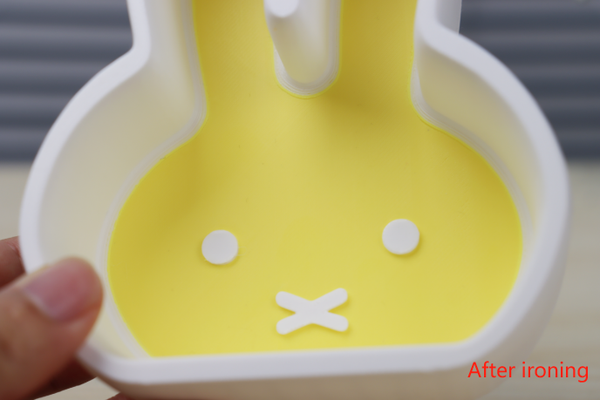
Ironing Function: Even Beginners Can Smooth the Top Surface of Models
The Ironing Function in QIDI Studio effortlessly eliminates tiny striations on your model's top surface. After printing, the nozzle moves like an...

How to Color Models in QIDI Studio?
Master Multi-Color 3D Printing with QIDI Studio's 6 Essential Tools: Use the Circle for custom curves, Sphere for bulk coloring (including internal faces), Triangle for precise face selection, Height Range for...
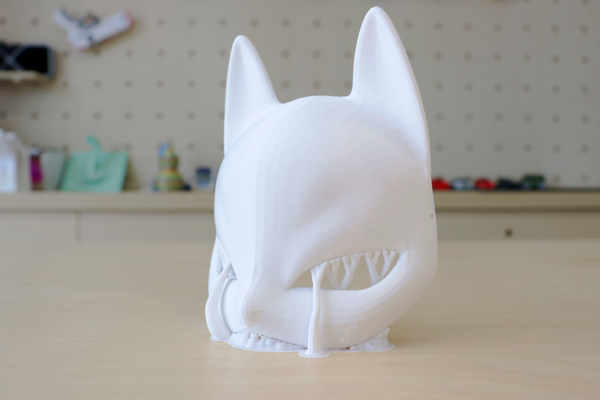
Model Placement Guide: Slice Techniques for Optimizing Strength and Simplifying Support
This guide explores optimal 3D model placement techniques using slicing strategies to enhance structural strength and minimize support structures. Learn how adjusting print orientation in slicing software (like QIDI...
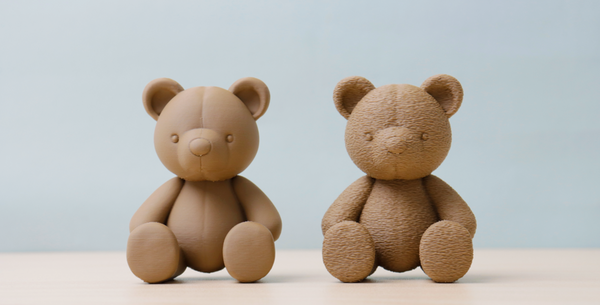
How to add fuzzy skin to a model?
This article provides a detailed guide on how to apply the "Fuzzy Skin" feature in 3D printing to add texture to model...
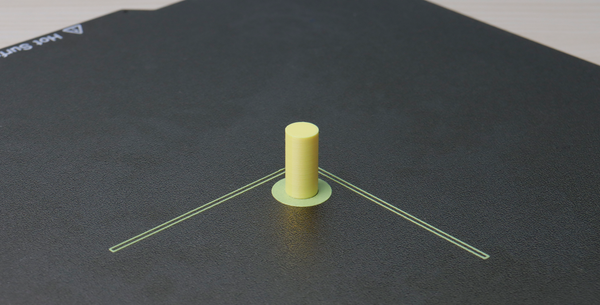
How to add Brim to a model in QIDI Studio?
This article provides a guide on adding Brim to 3D printing models in QIDI Studio to improve stability and reduce warping. It...
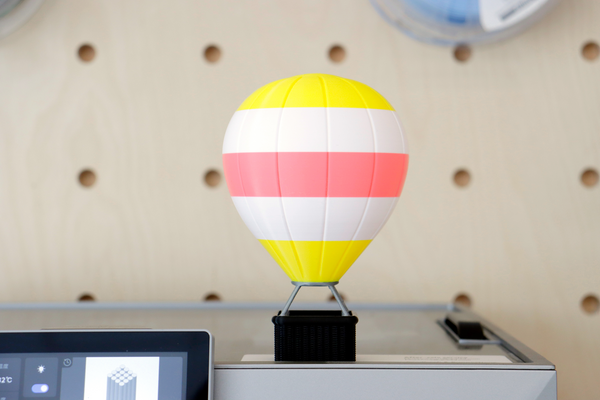
One-click pause for easy multi-color printing and part embedding
QIDI Studio provides a convenient function to add a pause printing function , allowing users to pause according to different needs ....
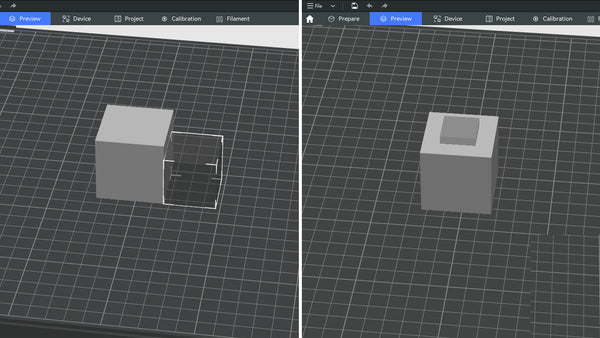
How to Add Negative Parts in QIDI Studio?
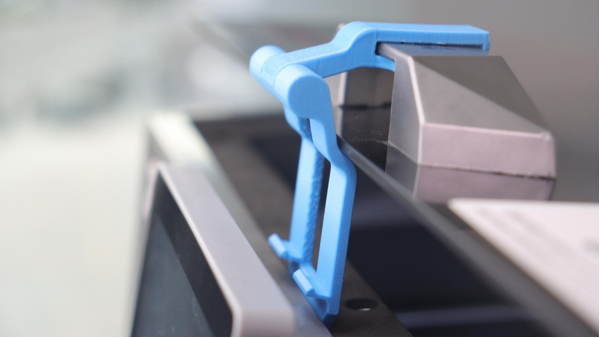
How to expand your QIDI Plus4 3D Printer?
Learn about two essential upgrades for your QIDI Plus4 3D printer: Purge Bin for cleanliness and Top Glass Support for better ventilation....

